Lodehost
The default Minecraft ports
| What | Default port | Protocol | Setting in server.properties |
|---|---|---|---|
| Java Edition server | 25565 | TCP | server-port |
| Bedrock Edition server | 19132, and 19133 for IPv6 | UDP | server-port and server-portv6 |
| Server list query | 25565 | UDP | query.port, only with enable-query=true |
| Remote console (RCON) | 25575 | TCP | rcon.port, only with enable-rcon=true |
Java and Bedrock use different protocols, so 25565 over TCP and 19132 over UDP never get in each other's way.
Only the first two matter to players. Query lets server lists read who is online, and RCON lets a program send console commands from outside. Both are off unless you switch them on.
When players have to type a port
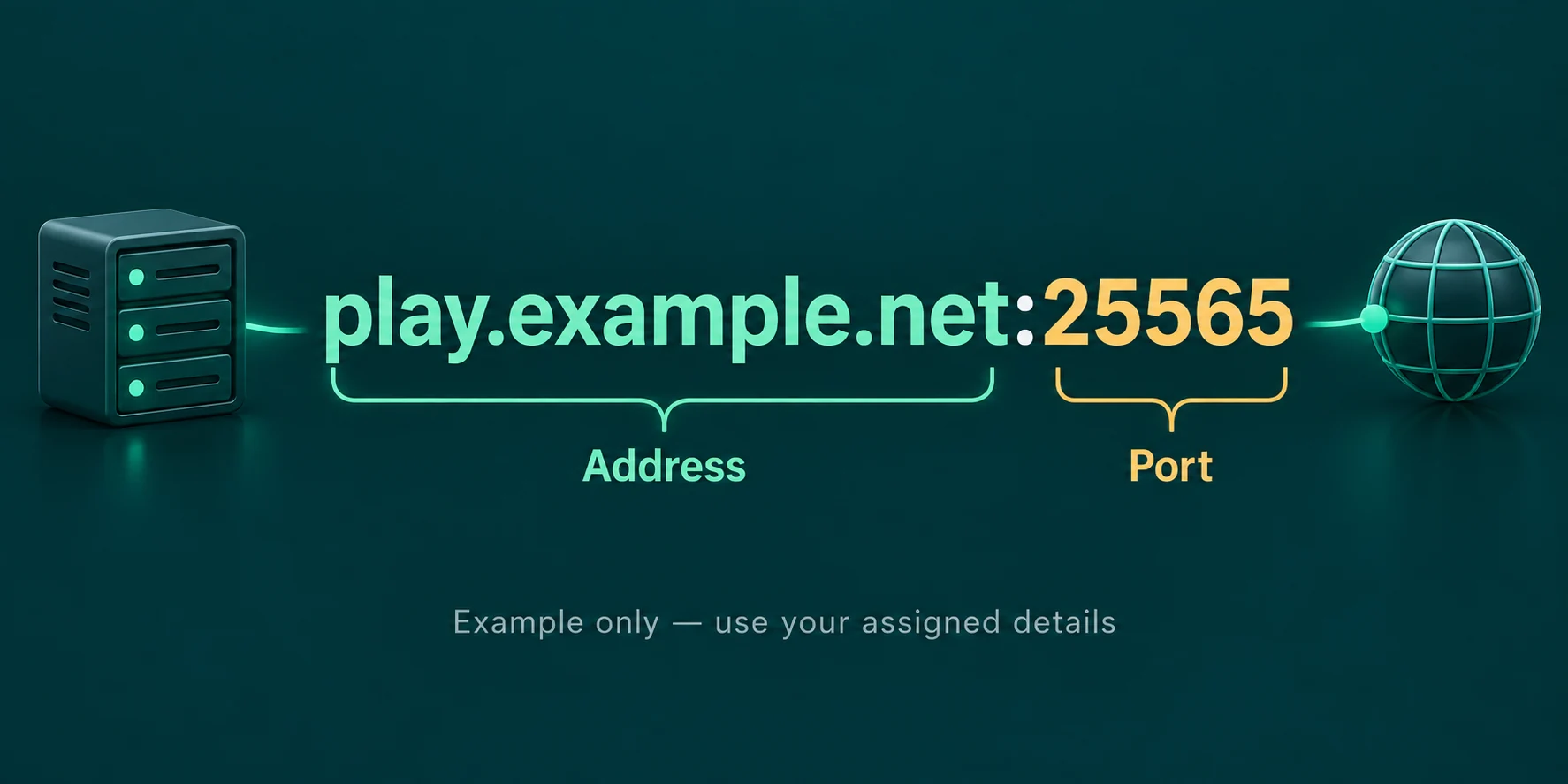
Java has one field for the address. When the server listens on 25565, players type just the address. On any other port they add it after a colon, as in play.example.com:25570. Bedrock has two fields, Server Address and Port, and puts 19132 in the second one unless you change it.
A server on a port other than 25565 can still get an address without a number behind it, for Java at least. An SRV record in DNS with the name _minecraft._tcp plus your domain tells the game which host and port to use. Bedrock does not read SRV records, so Bedrock players always need the right port in the Port field.
Where the address in front of the port comes from is in how to find a Minecraft server IP, and the fields players fill in on each device are in how to join a Minecraft server.
Port forwarding a Minecraft server at home
A server on your own PC is reachable inside your house straight away. Friends elsewhere knock on your router, and the router has to know which computer to send them to. That is what a port forward does.
Give your PC a fixed local address
Look up the local IPv4 address of the PC that runs the server and reserve it in the router, so the forward keeps pointing at the right machine after a restart.
Forward the port in your router
Open the router settings, usually under port forwarding, virtual server or NAT. Forward TCP 25565 to that local address for Java, UDP 19132 for Bedrock, or both if you run both.
Allow Java through the firewall
The first time the server starts, Windows asks whether Java may use the network. Allow it for private and public networks, or add the port as a rule by hand.
Test from outside your house
Ask a friend to connect with your public IP address, or try from a phone on mobile data. Joining from the same Wi-Fi proves nothing about the forward.
When a forward does nothing
Some internet providers put several customers behind one shared public address, called CGNAT. A port forward on your own router cannot reach through that. Your provider can sometimes give you a public address of your own; otherwise a hosted server is the way around it.
How to change the port of a Minecraft server
On a server you run yourself, stop it, set server-port in server.properties to the new number, save and start it again. Pick a number above 1024 that nothing else on the machine uses, and change the port forward in your router to match. For a Bedrock server the same goes for server-port and server-portv6.
Two servers cannot share one port on one machine. If the port is taken, the Java server stops with FAILED TO BIND TO PORT! and asks whether a server is already running on it. Often that is simply the same server still running in another window.
Ports on a Lodehost server
- Java players type no port. Every server gets a name like
yourname.mc.minecrafthosting.cc. Players type only that, and our address router sends them to the right machine and port. - Bedrock players on a Crossplay plan type the address and the Bedrock port shown in your panel. Java and Bedrock crossplay walks through it.
- Leave the port settings alone. The port is set by the panel, which is why
server-portis not in the settings list. The same goes for the port in Geyser's config on a Crossplay plan: a copied guide that says 19132 there closes the server to Bedrock players.
Need a second port for a plugin, such as a web map? Contact us and say which plugin it is.
What port errors mean
| Message | What it usually means |
|---|---|
| Connection refused | The machine answered, but nothing listens on that port. The server is off, or the port in the address is wrong. |
| Connection timed out | Nothing answered at all. A firewall or a missing port forward is in the way. |
| Unknown host | The address itself could not be found. Check the spelling; a port error comes later. |
| FAILED TO BIND TO PORT! | The server could not open its port because something else already uses it. |
More connection problems and how to track them down are in can't connect to a Minecraft server.
Written and checked by the Lodehost team, last reviewed on 24 September 2026.