Lodehost
The line, and what its two numbers say
Console
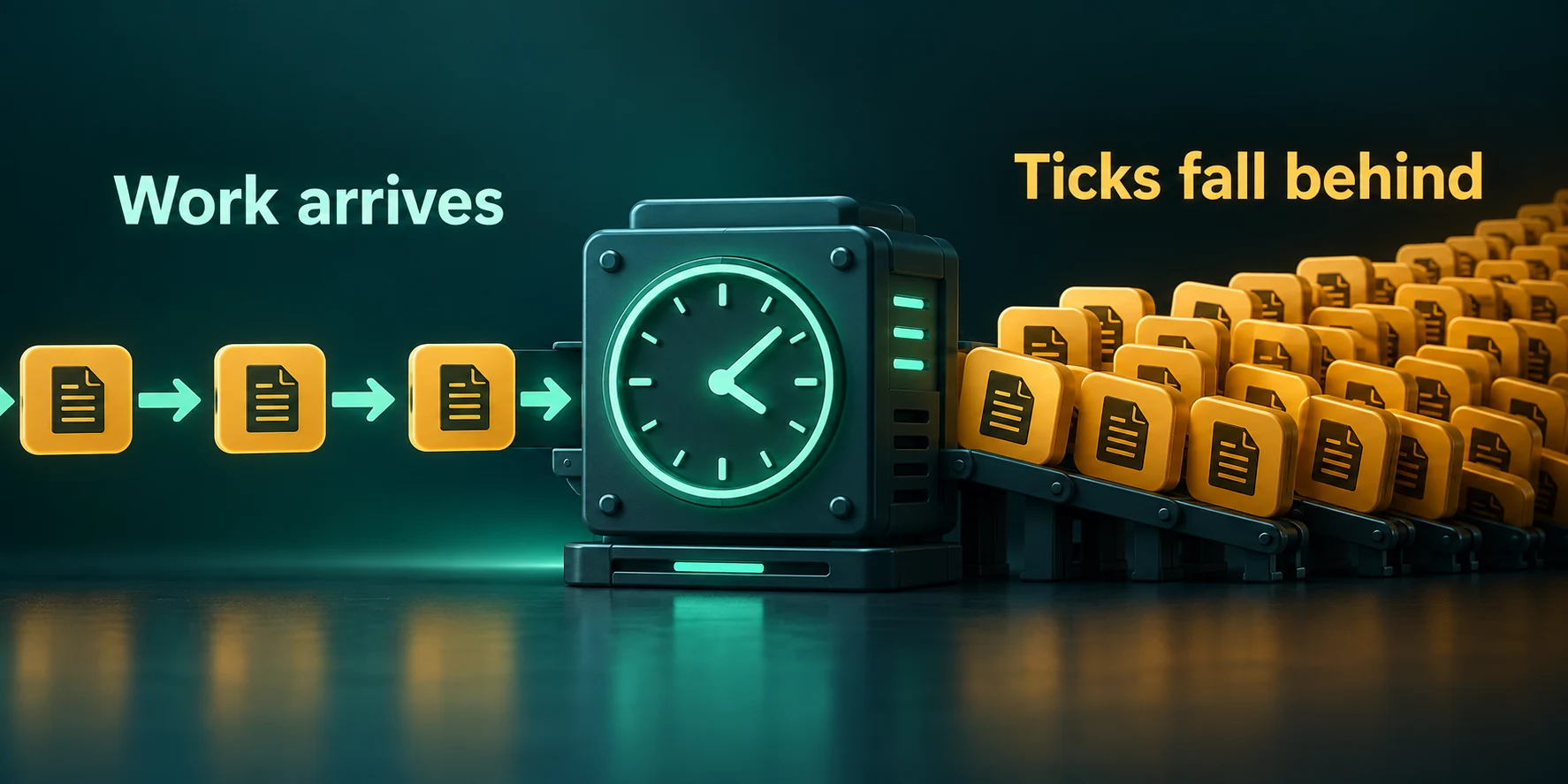
Can't keep up! Is the server overloaded? Running 5023ms or 100 ticks behindA Minecraft server works from a timetable. At the normal rate it plans one tick every 50 milliseconds, and after each tick it waits until the next one is due. When ticks take longer than planned, it stops waiting and runs them back to back to get on time again. The warning appears when that does not work and the gap has grown too large.
| Part of the line | What it means |
|---|---|
Running 5023ms | How far the server is behind its own timetable at the moment it checks |
or 100 ticks behind | The same gap counted in ticks: the milliseconds divided by the length of one tick, rounded down |
Is the server overloaded? | A question, not a finding. The game only knows it is late, not why |
Right after printing, a vanilla server gives up on those ticks. It moves its timetable forward by the number in the line and carries on from there, so the 100 ticks in the example never happen. Five seconds of crop growth, smelting and mob movement are simply gone for everyone online, which is why players notice a jump rather than a slow patch.
When the warning appears, and how often
The game has two conditions, both built into the server. The gap has to be larger than one second plus twenty ticks, which is two seconds at the normal rate. And since the previous warning at least ten seconds plus a hundred ticks must have passed on the timetable, which is fifteen seconds. That explains why the number in the line is never much below 2000 at 20 ticks per second.
It also explains how late the warning comes. If every tick takes 60 milliseconds, the server falls 10 milliseconds behind per tick, and it takes 200 ticks, about twelve seconds of real time, before the gap even reaches two seconds. Players have been feeling it for a while by then.
A quiet console is not proof of a healthy server
Ticks of 48 milliseconds, or a stall of a second and a half every minute, never produce the line. Players still feel both. Judge the server by its tick times, and use the warning as a hint that it is worth measuring.
Two commands change the picture. tick rate sets a different number of ticks per second, which changes the length of a tick and with it both thresholds: at 10 ticks per second a tick lasts 100 milliseconds and the warning waits for a gap of three seconds. During tick sprint the check is skipped altogether.
Paper and Purpur no longer print it
Paper removed the warning in its builds for 1.21.9, together with a new way of handling late ticks. After a spike, Paper runs at most a few missed ticks back to back, five unless catchup-ticks in paper-global.yml says otherwise, and drops the rest without a word. Purpur builds on Paper and behaves the same. So if you moved to a recent Paper version and the line disappeared, the lag did not.
| Server type | Prints the warning | Check tick times with |
|---|---|---|
| Vanilla | Yes | tick query |
| Fabric, Forge and NeoForge | Yes | tick query, or spark as a mod |
| Paper and Purpur, 1.21.9 and newer | No | mspt and spark tps |
| Paper and Purpur, older versions | Yes | mspt and spark tps |
One line, or a line that keeps coming back
The pattern tells you more than the number. Scroll back through the console and note the times of each warning, then compare them with what was happening on the server.
| What you see | What it usually means | Worth acting on? |
|---|---|---|
| A single line, then nothing for hours | One stall of more than two seconds: a datapack reload, a large WorldEdit paste or a long memory pause | Usually not, unless it lines up with a moment players complained about |
| Lines only while someone flies or explores far away | New terrain being created as fast as the player travels | Yes, and the fix is known: generate the land ahead of time |
| Lines about every fifteen to twenty seconds, all evening | Ticks are too slow all the time: a farm, too many entities, a plugin or mod | Yes, profile it while it happens |
| Lines that stop the moment one player logs off | Something near that player: their base, their farm, their machines | Yes, and you already know where to look |
A server that is late all the time prints the line again and again, because after each warning the gap starts from zero and fills up at the same speed. A number that keeps growing from one line to the next means the ticks are getting slower as the evening goes on, which points at something that builds up, such as items on the ground or a mob farm without a cap.
Measure the ticks instead of counting warnings
Open the Console tab while the lag is happening and ask the server directly. In the game the same commands take a slash in front.
Console
tick query
mspt
spark tps- `tick query` is part of the game itself since 1.20.3, so it works on vanilla, Paper, Purpur and the modded types alike, and it needs operator level 3 in the game. It shows the target rate, the average time per tick and the 50th, 95th and 99th percentile. When the server is late it adds
The game is running, but can't keep up with the target tick rate. - `mspt` is Paper's own command, also on Purpur. It prints the average, the fastest and the slowest tick over the last 5 seconds, 10 seconds and minute, green below 40 milliseconds, yellow from 40 and red from 50.
- `spark tps` gives tick rates and durations side by side. Paper and Purpur include spark; on Fabric, Forge and NeoForge you add it as a mod, and it has builds for 26.2 on all three.
Look at the slowest ticks as well as the average. An average of 30 milliseconds with a maximum of 2,500 is a server that is fine except for one stall, and that is exactly the case where the old warning would have printed a single line.
A routine to find the cause tonight
Write down when it happens
Note the time of the warnings, or of the complaints on Paper, and who was online and where. Most causes give themselves away here.
Take the tick times during the lag
Run
tick queryormsptwhile players feel it. High averages mean steady overload. A normal average with a huge maximum means spikes.Rule out memory pauses
Run
spark gc. Long collections that line up with the warnings point at memory, and the RAM guide covers what to do about that. Short ones rule it out.Catch the slow ticks
Start
spark tickmonitor --threshold-tick 100, which reports each tick that takes longer than 100 milliseconds and so fills the gap the removed warning left on Paper. For the cause, runspark profiler start --only-ticks-over 100 --timeout 600and follow the spark guide through the report.Change one thing and measure again
Fix the largest item in the report first, then repeat the tick times on a similar evening. Two changes at once leave you guessing which one worked.
Console
spark gc
spark tickmonitor --threshold-tick 100
spark profiler start --only-ticks-over 100 --timeout 600| The report points at | Where to go next |
|---|---|
| Chunk generation | Generate the world ahead of time and set a world border |
| Entities and block entities around one base | Shrink the farm, and see what keeps chunks loaded |
| The area around every player | Lower the simulation distance, as the view and simulation distance guide explains |
| Paper settings for mobs, items and hoppers | The Paper settings guide |
What does not make the warning go away
- Raising the Watchdog (ms) value. The field in the Performance group of the Settings tab writes
max-tick-time, 60000 by default. It only decides how long a single tick may hang before a vanilla, Fabric, Forge or NeoForge server considers itself crashed and shuts down. Paper and Purpur ignore it and usetimeout-timeinspigot.yml, 60 seconds by default. Neither makes a tick shorter; keep the panel value at 60000 or above, as the warning under the field says. - More memory by default. A tick runs on one thread, and unused memory does not speed that thread up. It helps only when
spark gcshows long pauses. - Hiding the line.
warn-on-overload: falseinbukkit.ymlsilences the warning where it still exists. The ticks are exactly as late as before. - Lowering the tick rate.
tick rate 10pushes the threshold out, but it also halves the speed of the whole game for everyone. - Turning off catch-up on Paper.
catchup-ticks: 0stops Paper from running missed ticks back to back. That smooths nothing; it only means more ticks are dropped. - Restarting. A restart clears the loaded area for a moment, and the lag returns as soon as the same farm is loaded again or the same explorer sets off.
Written and checked by the Lodehost team, last reviewed on 14 September 2026.