Lodehost
Game rules live in the world, not in server.properties
Game rules are settings stored inside the world itself. They take effect the moment you change them, while players stay online. server.properties works differently: the server reads that file when it starts, so its changes wait for a restart. The server.properties guide walks through that file line by line.
| Compared on | Game rules | server.properties |
|---|---|---|
| Stored in | The world | A file next to the world |
| Takes effect | Straight away | After a restart |
| Changed with | The gamerule command or the Game rules card | The Settings tab or the Files tab |
| After a world reset | Back to the defaults | Unchanged |
Since 1.21.9, PvP and the spawning of monsters are game rules as well. The old pvp and spawn-monsters lines in server.properties no longer do anything on those versions.
Game rules are not the same as the rules your players agree to. No griefing, no cheating and how staff respond are written for people, not for the world file, and Minecraft server rules on astroworldmc.site has 24 examples of those to adapt.
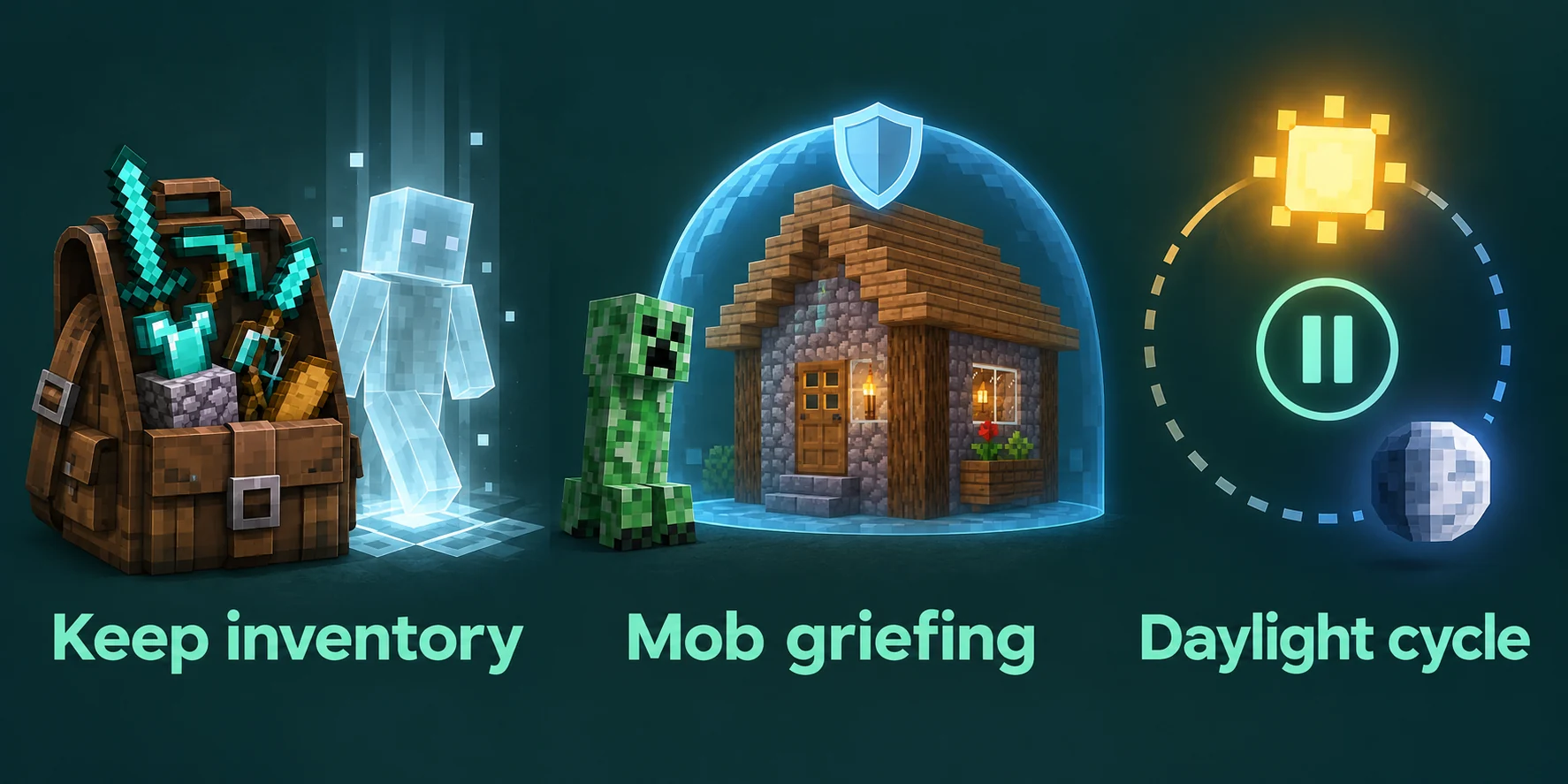
The names changed in 1.21.11
Game rules used to be written as one word with capitals, like keepInventory. Since 1.21.11 they are lowercase words joined by underscores, and several got a name that says more plainly what they do. A current server answers an old name with the error Incorrect argument for command.
| Before 1.21.11 | Since 1.21.11 |
|---|---|
keepInventory | keep_inventory |
mobGriefing | mob_griefing |
doDaylightCycle | advance_time |
doWeatherCycle | advance_weather |
doMobSpawning | spawn_mobs |
doInsomnia | spawn_phantoms |
doPatrolSpawning | spawn_patrols |
naturalRegeneration | natural_health_regeneration |
doImmediateRespawn | immediate_respawn |
announceAdvancements | show_advancement_messages |
playersSleepingPercentage | players_sleeping_percentage |
Guides and videos from before that release still show the old names. The Game rules card in our panel checks which version your server runs and sends the name that version understands.
Changing a rule
The Game rules card sits on the World tab. It reads the current value of each rule from the running server, so start the server first. Flip a switch and the card sets that rule in the overworld, the Nether and the End in one go.
The console works just as well and reaches every rule the game has, including those the card leaves out. Without a value, the game answers with the current setting:
Console
gamerule keep_inventory
gamerule keep_inventory true
gamerule players_sleeping_percentage 50
gamerule raids false
In chat, put a slash in front. That takes operator rights, and the guide to operator levels explains which level allows what.
The rules that shape survival
| Rule | Default | What changes when you flip it |
|---|---|---|
keep_inventory | off | On: players keep their items and experience when they die, so a death no longer means a run back to a pile of items. |
mob_griefing | on | Off: creepers stop breaking blocks, endermen leave blocks where they are, and farmer villagers stop harvesting crops. |
pvp | on | Off: players can no longer hurt each other. |
spawn_monsters | on | Off: no hostile mobs, while animals keep spawning. |
spawn_phantoms | on | Off: no phantoms, however long players go without sleep. |
spawn_patrols | on | Off: no roaming groups of pillagers. Raids have a rule of their own, raids. |
tnt_explodes | on | Off: lit TNT no longer explodes. |
natural_health_regeneration | on | Off: health only comes back through potions, golden apples and similar effects. |
immediate_respawn | off | On: players skip the death screen. |
show_death_messages | on | Off: deaths are no longer announced in chat. |
locator_bar | on | Off: the experience bar stops showing the direction of other players. |
players_sleeping_percentage | 100 | The share of players online that has to sleep before the night is skipped. |
How many players need to sleep
players_sleeping_percentage counts the players online. The game rounds up, never asks for fewer than one sleeper, and leaves players in spectator mode out of the count. At the default of 100 everyone has to be in bed, which on a busy server hardly ever happens.
| Players online | Sleepers needed at 25 | At 50 | At 100 |
|---|---|---|---|
| 2 | 1 | 1 | 2 |
| 3 | 1 | 2 | 3 |
| 4 | 1 | 2 | 4 |
| 6 | 2 | 3 | 6 |
| 10 | 3 | 5 | 10 |
At 0 a single player skips the night for everyone. A value around 50 tends to suit a community server: the night still passes, but not the second one person lies down while the others are halfway through a fight.
Three survival servers, three sets of rules
No single setup is right for every group. Treat these three as a starting point, change one rule at a time, and ask your players how it feels.
| Rule | Relaxed, among friends | Classic survival | Hard going |
|---|---|---|---|
keep_inventory | on | off | off |
players_sleeping_percentage | 0 | 50 | 100 |
spawn_phantoms | off | on | on |
mob_griefing | off | on | on |
immediate_respawn | on | off | off |
natural_health_regeneration | on | on | off |
locator_bar | on | on | off |
Difficulty and hardcore mode are not game rules. The server.properties guide covers both, together with the other settings the server reads when it starts.
Rules that catch people out
- `spawn_mobs` switches off animals too. For a world without monsters that still has cows and sheep, turn off
spawn_monstersand leavespawn_mobson. - `mob_griefing` also stops farms. Villager crop farms and other contraptions that rely on mobs changing blocks stand still while it is off.
- `keep_inventory` keeps experience as well, which makes enchanting a lot easier on a server that uses it.
- Rules belong to the world. A world reset or an uploaded world comes with its own rules, so set yours again afterwards.
- `locator_bar` gives positions away. On a server with PvP or hide and seek, switching it off keeps everyone's direction to themselves.
For creepers, TNT and players who break what others built, the griefing guide shows where these rules fit next to protection plugins.
Written and checked by the Lodehost team, last reviewed on 14 September 2026.