Lodehost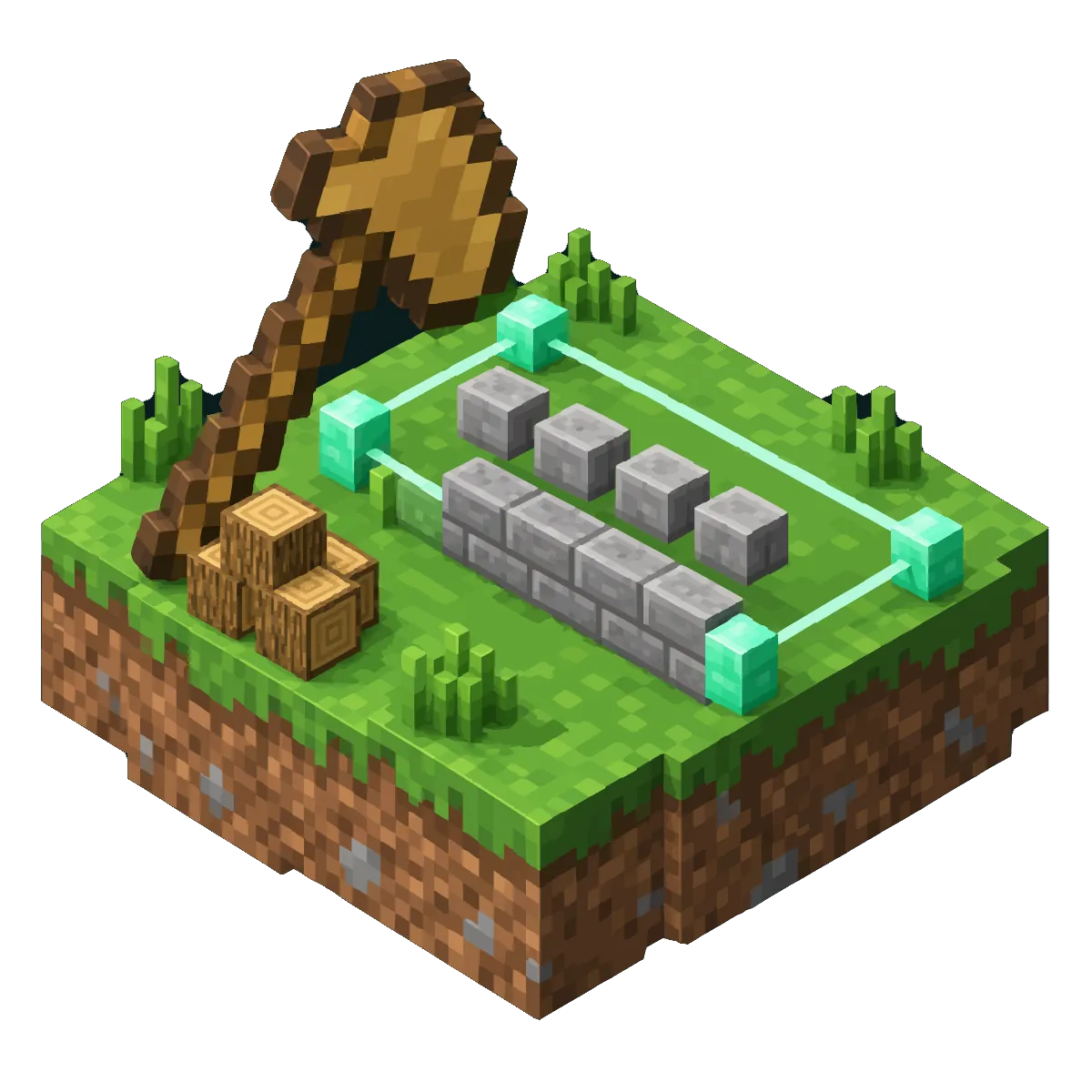
Installing WorldEdit for your server type
WorldEdit is a plugin on Paper and Purpur and a mod on Fabric and NeoForge. The commands are the same everywhere; what differs is where the files live. It runs entirely on the server, so players join with an ordinary game.
| Server type | What to install | Settings file | Schematics folder |
|---|---|---|---|
| Paper or Purpur | WorldEdit plugin | plugins/WorldEdit/config.yml | plugins/WorldEdit/schematics |
| Paper or Purpur, fast variant | FastAsyncWorldEdit, instead of WorldEdit | plugins/FastAsyncWorldEdit/config.yml | plugins/FastAsyncWorldEdit/schematics |
| Fabric or NeoForge | WorldEdit mod | config/worldedit/worldedit.properties | config/worldedit/schematics |
| Forge | No WorldEdit build for Java Edition 26.2 | ||
| Vanilla | Not possible: switch to Paper or Fabric first |
Paper or Purpur: look in the plugin catalog
On the Plugins tab, type WorldEdit into Search plugins. The catalog lists builds checked against your server version, and on 26.2 the match is FastAsyncWorldEdit. Press Install if that is the one you want.
Or upload WorldEdit itself
Download the Paper build from WorldEdit's page on Modrinth, a file named like
worldedit-bukkit-7.4.5.jar. Openpluginson the Files tab and use Upload. From link will not help here, because it refuses jar files on purpose.Fabric or NeoForge: use the Mods tab
Search for WorldEdit under Verified Modrinth catalog and press Verify & install. One mod file serves both loaders, and it needs nothing else next to it.
Restart and check
Restart the server, join, and type
/worldedit version. An answer with a version number means it loaded; an unknown command means it did not, and the console lines from the start explain why.
The wand and your first selection
Almost every command works on a selection between two corners. //wand hands you the selection tool, a wooden axe unless the config names another item. Left-click a block for the first corner and right-click another for the second; chat confirms each corner with its coordinates, starting with First position set to.
In chat
//wand
//hpos1
//hpos2
//expand vert
//size
//count diamond_ore| Command | What it does |
|---|---|
//pos1 and //pos2 | Sets a corner where you stand, handy in mid-air |
//hpos1 and //hpos2 | Sets a corner on the block you are looking at, even far away |
//expand vert | Stretches the selection from the bottom of the world to the top |
//expand 10 up | Grows the selection by ten blocks in one direction; //contract shrinks it |
//sel sphere, //sel cyl, //sel poly | Changes the shape; //sel cuboid goes back to a box |
//size | Shows the dimensions and how many blocks are inside |
Set, replace and walls
In chat
//set stone_bricks
//set 70%stone,30%andesite
//replace dirt,grass_block moss_block
//walls oak_planks
//faces glass
//overlay snow- `//set` fills the whole selection, air included. Percentages mix blocks for a more natural look.
- `//replace` changes only the blocks you name first into the pattern you give second, and leaves everything else alone.
- `//walls` builds the four sides and leaves the floor and ceiling open. `//faces`, also known as
//outline, covers all six sides of a box. - `//overlay` lays a block on top of the surface in each column, such as a snow layer over uneven terrain.
Some blocks are refused on purpose
The config ships with a list of disallowed blocks that includes TNT, fire, bedrock, redstone wire, torches and rails: blocks that pop off or spread and can flood a server with items. Operators get past the list, while other builders need the worldedit.anyblock permission.
Copy, paste and rotate a build
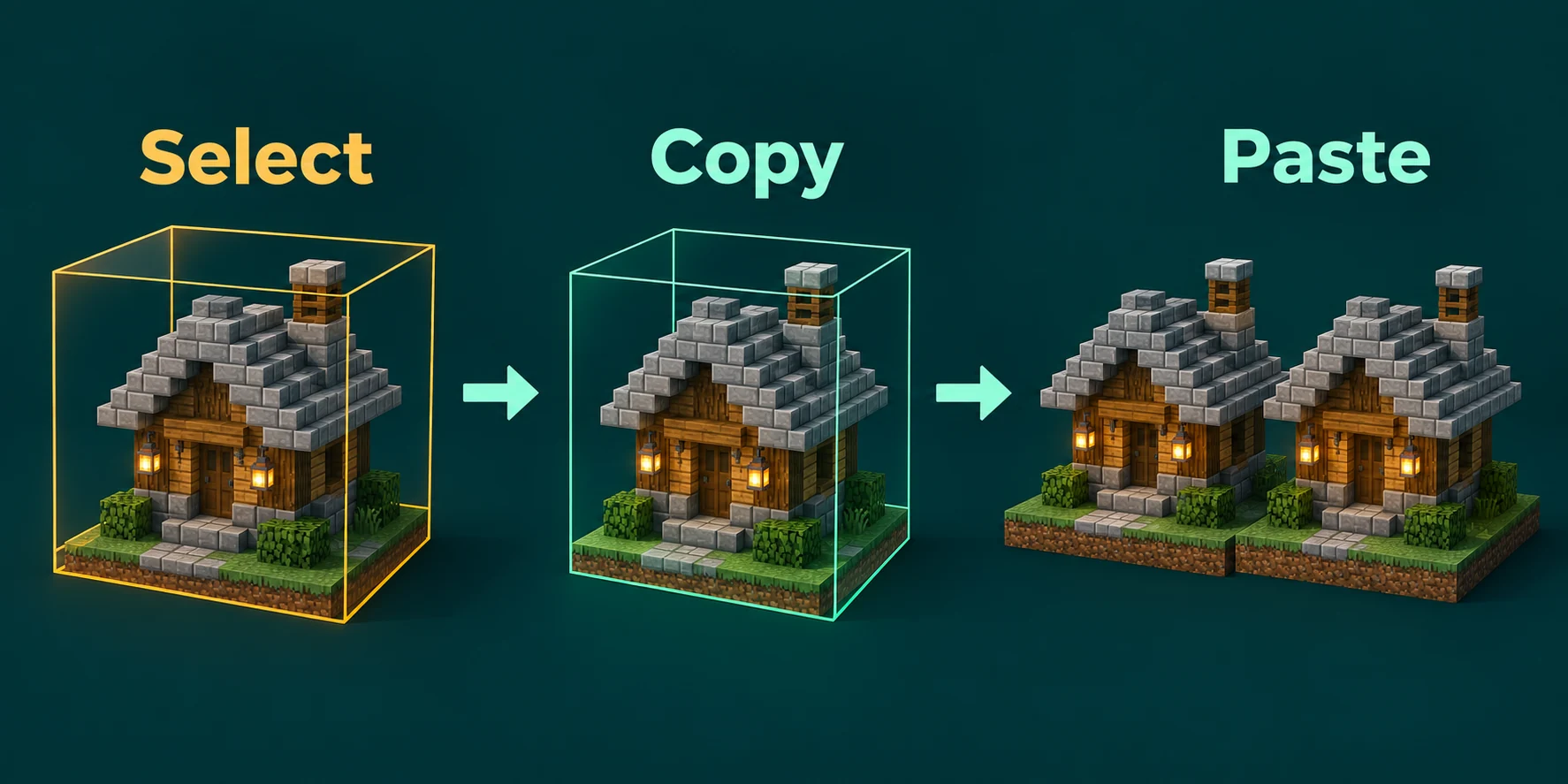
//copy puts the selection on your clipboard and remembers where you stood at that moment. //paste then places the build in the same position relative to you, so stand at the doorstep when you copy a house and at the new doorstep when you paste it. //cut copies as well and clears the original.
In chat
//copy
//rotate 90
//flip up
//paste -a -s| Flag on //paste | Effect |
|---|---|
-a | Skips the air in the copy, so a build without a square frame blends into the terrain |
-s | Selects the pasted area, ready for a second edit |
-o | Pastes at the original spot instead of relative to you |
-e and -b | Brings entities such as item frames and armor stands along, or the biomes |
//rotate 90 turns the clipboard a quarter around the vertical axis before you paste. Stick to multiples of 90: WorldEdit accepts other angles but warns that it cannot interpolate them. //flip mirrors the copy along a direction, and //flip up turns it upside down.
Undo, redo and how far back you can go
In chat
//undo
//undo 3
//redo
//undo 1 Kai
/clearhistory
//undo reverses your last action, and a number reverses several at once. Out of the box WorldEdit keeps 15 actions per player, and a player's history stays available for ten minutes after they log out. Add a player name to undo someone else's edit, which takes the worldedit.history.undo permission; with only worldedit.history.undo.self a builder can undo their own work and nobody else's.
Undo is not a safety net for the world
History only records blocks WorldEdit changed directly. Liquid that starts flowing and torches that pop off are not in it. Before a big edit on a world you care about, press Create backup on the Backups tab if your plan has backup slots, or download the world from the Files tab.
Schematics and the schematics folder
A schematic is your clipboard saved as a file, which lets a build move between worlds, between servers, or from a builder's own computer onto yours. WorldEdit saves in the .schem format and can still load older .schematic files.
In chat
//schem save castle_gate
//schem save -f castle_gate
//schem list
//schem load castle_gate
//schem delete castle_gate
Saving over an existing name fails until you add -f, which overwrites the old file. Loading only fills your clipboard; nothing appears until you //paste.
Find the folder
On the Files tab, open
plugins/WorldEdit/schematics, or the folder from the table at the top of this page for your server type. WorldEdit creates it the first time someone saves; before that, make it yourself with New folder.Bring a schematic in
Press Upload and pick the
.schemfile. When the file sits online, From link fetches an https link straight into the folder. The server can keep running.Take a schematic home
Every file has a Download button beside it. For the whole folder, tick its checkbox, press Zip 1, and download the archive that appears.
Limits in the config that protect the server
Out of the box an edit may be as large as the builder likes. Cap it in plugins/WorldEdit/config.yml: open the file with Edit on the Files tab and indent with spaces only, because the file itself warns that tabs cause errors.
| Setting | Default | What it controls |
|---|---|---|
limits.max-blocks-changed.default | -1 | The cap each player starts with for one edit |
limits.max-blocks-changed.maximum | -1 | The highest cap a player may set for themselves with //limit |
limits.max-radius | -1 | The largest radius for commands that take one, such as spheres |
limits.disallowed-blocks | A list | Blocks that need the worldedit.anyblock permission |
history.size | 15 | How many actions each player can undo |
history.expiration | 10 | Minutes a history is kept after a player logs out |
saving.dir | schematics | The schematics folder, inside the plugin folder |
wand-item | minecraft:wooden_axe | The item that works as the wand |
A value of -1 means there is no cap.
Set the default to what everyday building needs and the maximum to the largest job you accept. A builder raises their own cap up to that maximum with //limit and a number; beyond it takes worldedit.limit.unrestricted. /worldedit reload applies a saved change without a restart, and an edit that hits the cap stops with a message:
Chat
Configuration reloaded!
Max blocks changed in an operation reached (...).
On Fabric and NeoForge the same limits sit in config/worldedit/worldedit.properties, one key=value per line, under the names default-max-changed-blocks, max-changed-blocks, history-size and schematic-save-dir.
Permissions for builders
On Paper and Purpur every operator may use all of WorldEdit, unless no-op-permissions is set to true in the config. Handing out operator rights just for building gives away far more than WorldEdit, as the operator levels guide shows. A builder rank with only the WorldEdit permissions it needs is the safer route, and LuckPerms from the plugin catalog sets one up:
Console
lp creategroup builder
lp group builder permission set worldedit.wand true
lp group builder permission set worldedit.selection.pos true
lp group builder permission set worldedit.region.set true
lp group builder permission set worldedit.region.replace true
lp group builder permission set worldedit.clipboard.copy true
lp group builder permission set worldedit.clipboard.paste true
lp group builder permission set worldedit.history.undo.self true
lp user Kai parent add builder| Permission | Allows | Give it to |
|---|---|---|
worldedit.selection.hpos, worldedit.region.walls, worldedit.clipboard.rotate | Far corners, walls and turning copies | Builders |
worldedit.schematic.save, .load, .list | Working with schematic files | Trusted builders |
worldedit.schematic.delete | Deleting schematic files | Staff |
worldedit.history.undo | Undoing other players' edits | Staff |
worldedit.limit.unrestricted | Going past the configured maximum | Owners only |
worldedit.anyblock | Placing disallowed blocks | Owners only |
Other commands, such as //expand and //size, have permissions of their own in WorldEdit's permission list.
On Fabric and NeoForge without a permissions mod, only operators can use WorldEdit. Two switches in worldedit.properties widen that: use-in-creative=true opens it to players in creative mode, and cheat-mode=true opens it to everyone, which only suits a private building server.
Big edits without freezing the server
WorldEdit's own FAQ names two reasons a server crashes on edits of a million blocks or more: the watchdog stepping in, or memory running out. Its rule of thumb is about 1 GB for the server plus 2 GB for every ten million blocks in one edit, which the RAM guide helps you hold against the size of your plan.
- Split the job. Several smaller edits need less memory at once than one huge edit, and each can be undone on its own.
- Pick a quiet moment. Everyone online shares the server with a large edit while it runs.
- Switch side effects off.
//perfcontrols what WorldEdit updates around each changed block, such as lighting and neighbouring blocks. With lighting off, the light in edited chunks may be wrong and players may need to rejoin to see the result. - Leave the watchdog alone. WorldEdit keeps it informed during an edit, so raising
timeout-timeinspigot.ymlabove its default of 60 is rarely needed.
FastAsyncWorldEdit
FastAsyncWorldEdit is a separate project built on WorldEdit that processes edits asynchronously, and it has builds for Paper on Java Edition 26.2. It uses the same commands and the same .schem files. It replaces WorldEdit rather than running beside it, so delete the WorldEdit jar from plugins before you install it from the plugin catalog.
- Its own limits live in
plugins/FastAsyncWorldEdit/config.yml. Players without a bypass may change 50,000,000 blocks per edit, andmax-blocks-changedin itsworldedit-config.ymlis ignored. - Operators have
fawe.bypassby default, which lifts those limits. Other groups get their own limits throughfawe.limit.followed by the name of a limit group from the config. - History goes to disk, survives a restart and is deleted after seven days.
Written and checked by the Lodehost team, last reviewed on 14 September 2026.