Lodehost
Why the Java version decides whether a server runs
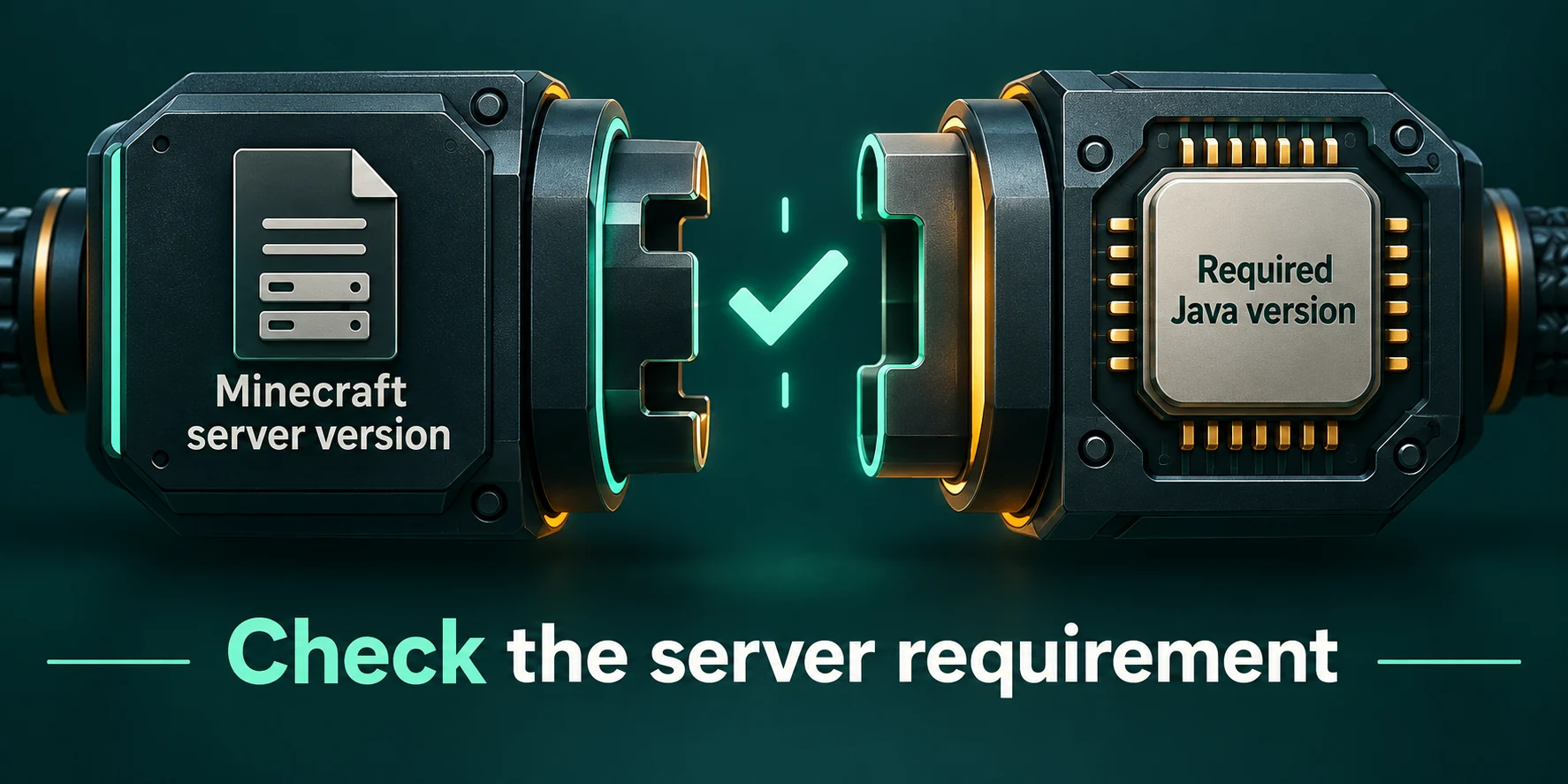
Every compiled Java file carries a number that says which Java it was built for. A runtime reads files up to its own number and refuses anything newer. When Mojang moves Minecraft to a newer Java, the server files get that higher number, and an older runtime stops at the very first file it tries to load.
The other direction usually works: a newer runtime reads older files. That is why the requirement for a Minecraft version is a minimum. The exceptions are old setups: Forge for 1.12.2, which expects the internals of Java 8 and comes back further down, and older Spigot and Paper builds such as 1.16.5 and 1.17.1, which check the Java version at startup and stop when it is newer than they expect.
Plugins and mods follow the same rule on their own. A server can run on exactly the right Java and still reject one plugin that its author built for a newer one.
Java for every Minecraft version
| Minecraft Java Edition | Minimum Java | Class file version | First snapshot with this requirement |
|---|---|---|---|
| 26.1, 26.1.1, 26.1.2 and 26.2 | Java 25 | 69 | 26.1-snapshot-1, December 2025 |
| 1.20.5, 1.20.6 and every 1.21 release up to 1.21.11 | Java 21 | 65 | 24w14a, April 2024 |
| 1.18 until 1.20.4 | Java 17 | 61 | 1.18-pre2, November 2021 |
| 1.17 and 1.17.1 | Java 16 | 60 | 21w19a, May 2021 |
| 1.12 until 1.16.5 | Java 8 | 52 | 17w13a, March 2017 |
Taken from the version data Mojang publishes for each release. The release candidates for 26.3 still ask for Java 25. Versions before 1.12 were built for an older Java and also start on Java 8.
Two borders catch people out. The jump to Java 21 came with 1.20.5, not with 1.21, so a server moving from 1.20.4 to 1.20.6 needs a new runtime even though it looks like a small patch. And 1.17 is the only line that sits on Java 16 alone; one release later, 1.18 already asks for 17.
What Paper recommends is sometimes higher
The Paper project publishes its own table of recommended runtimes, and on older versions it aims above the game's minimum: Java 11 for Paper 1.12 until 1.16.4, Java 16 for 1.16.5, Java 17 for 1.17 until 1.19, and Java 21 for everything from 1.20 up to 1.21.11. From 26.1 on, both sides agree on Java 25. The minimum is what a server needs to start; the Paper table is the runtime its own documentation advises for that version.
Decoding the unsupported class file version error
Console
java.lang.UnsupportedClassVersionError: ... has been compiled by a more recent version
of the Java Runtime (class file version 65.0), this version of the Java Runtime only
recognizes class file versions up to 61.0
This wording is the same on Java 8, 17, 21 and 25. The dots stand for the name of the file that failed, written as a path with slashes. Its first parts are usually the author's domain and the project name, which already tells you whether the server itself or one add-on is to blame.
Take the first number and subtract 44
65 minus 44 is 21. The file was built for Java 21. The rule holds for every modern release: 52 is Java 8, 69 is Java 25.
Do the same with the second number
61 minus 44 is 17. The server is running Java 17 right now.
Compare both with the table above
If the first number matches your own Minecraft version, the runtime is too old for the server. If the first number is higher than your version needs, one plugin or mod was built for a newer Java.
Find the file
On Paper the lines around the error start with
Could not loadand name the jar in thepluginsfolder. On a modded server the loader names the mod while it lists what failed.
| Number in the error | Java | Where you meet it |
|---|---|---|
| 52 | Java 8 | Servers from 1.12 to 1.16.5, and plugins that still target old versions |
| 55 | Java 11 | Plugins built for Java 11; no Minecraft release requires it |
| 60 | Java 16 | 1.17 and 1.17.1 |
| 61 | Java 17 | 1.18 until 1.20.4, and add-ons such as ViaVersion 5 |
| 65 | Java 21 | 1.20.5 up to 1.21.11 |
| 69 | Java 25 | 26.1 and newer |
| 70 | Java 26 | Released in March 2026; no Minecraft release asks for it |
When the server says it in plain words
Some server software checks before it loads anything. Paper for 26.1 and newer stops on an older runtime with Minecraft 26.1 and newer requires running the server with Java 25 or above. Fabric reads the class file version of the game and turns it into a requirement on java, so it reports an unmet dependency instead of the raw error.
Plugins and mods built for a newer Java
This is the case where the server runs and one thing does not. A typical example is ViaVersion: from release 5.0, the one that brought support for 1.21 clients, it needs Java 17. Drop it on a 1.16.5 server, which runs on Java 8, and the log shows class file version 61.0 against 52.0.
- Use a release made for your version. Modrinth lists the Minecraft versions for every file, and the catalogs on our Plugins and Mods tabs look for a build that matches the server type and version you run.
- Stay on an older release of the add-on when the newest one dropped your Java.
- Move the whole server to a newer Minecraft version when the add-on you need only exists there. The Java moves up with it.
- Look for an alternative that still supports your version, when neither of the above is possible.
For mods the first number nearly always points at a different Minecraft version, because a mod is built against one game release and inherits its Java. A 69.0 error on a 1.21.1 server means someone put a mod for 26.1 in the mods folder. More on plugins that refuse to load is in the plugin loading guide, and bridging player versions is covered in the ViaVersion guide.
Old Forge wants exactly Java 8
Forge for 1.12.2 starts through LaunchWrapper, which assumes the class loader Java 8 uses. Java 9 replaced that class loader, so on anything newer the server stops with a ClassCastException that mentions URLClassLoader. Here a newer Java really is worse. Keep the Minecraft version field on the exact old version so the server stays on Java 8.
Players never install Java for this
The official launcher reads which runtime each Minecraft version needs and downloads that runtime itself, for Windows, macOS and Linux alike. Someone who plays 1.16.5 in the morning and 26.2 in the evening gets Java 8 and Java 25 from the launcher without touching a setting. A Java installed separately on the computer is not needed for the game.
What has to line up between a player and your server is the Minecraft version, not the Java. The Java on a player's computer and the Java under your server never meet, so the two do not have to match. A different Minecraft version is what blocks them, unless a plugin such as ViaVersion bridges the two. If players cannot join after a version change, the connection guide goes through the messages they see.
How our panel chooses the Java runtime
There is no Java setting in the panel, on purpose. The runtime follows the Minecraft version your server is set to. On the Settings tab, the Server software card holds two things: Server type and Minecraft version. The Java comes from the second one, using the same borders as the table on this page.
| What | Who decides | Where |
|---|---|---|
| Minecraft version | You | Settings tab, Minecraft version field |
| Server type | You | Settings tab, Server type |
| Java runtime | Follows the version | Nowhere to set it separately |
| Version and loader of a CurseForge or FTB pack | The pack | Mods tab, when you install the pack |
- The field takes `latest` or a release number such as
1.21.4or26.2. Anything else, snapshots and release candidates included, is refused withUse latest or an exact version such as 1.21.4 or 26.2. - `latest` means Java 25, because the newest release needs it. That is a trap for a server whose files are really for an older version: set the exact number instead.
- The Java changes when you save a new version. The panel then says to restart the server to apply the changes that need it.
- Switching the server type keeps your version, and the new type starts on the Java that version needs. The switch stops the server and takes a backup first; on a plan without backup slots you tick a box to go ahead without one.
- Installing a CurseForge or FTB pack from the Mods tab sets the Minecraft version the pack is made for, and the Java moves with it.
The panel picks the lowest Java that your version needs rather than the newest one available. That keeps a 1.12.2 Forge world on Java 8, where it works, and still puts a 26.2 server on Java 25. For choosing between the server types themselves, see Paper, Purpur and Spigot compared and the mod loader comparison.
Fixing a mismatch on our panel
Work out both numbers
Subtract 44 from each number in the error, and note which file it names. You now know what the file wants and what the server has.
Server too old for itself
When the first number belongs to your own Minecraft version, the version field probably does not say what the server really runs, for example after a pack or a jar was uploaded by hand through the Files tab. Type the exact version into Minecraft version, save and restart.
One add-on too new
When the first number is higher than your version needs, replace that plugin or mod with a build for your Minecraft version, or move the server up to the version the add-on was made for.
Still no match
If the numbers do not fit any of these cases, send us the Minecraft version, the server type and the console lines around the error.
Checking which Java a server is on
You cannot run java -version on a hosted server, but the console tells you at startup. Paper prints the runtime as one of its very first lines, followed by the build and the Minecraft version:
Console, Paper
Running Java 21 (OpenJDK 64-Bit Server VM ...) on Linux ...
Loading Paper ... for Minecraft 1.21.4
The number right after Running Java is the major version, the one the tables on this page use. Forge servers that start through ModLauncher write a line containing starting: java version with the full runtime version in it. Search the logs on the Console tab for java to find either line quickly after a restart.
Written and checked by the Lodehost team, last reviewed on 14 September 2026.