 Lodehost
How far /playsound carries: 16 blocks per 1 volume
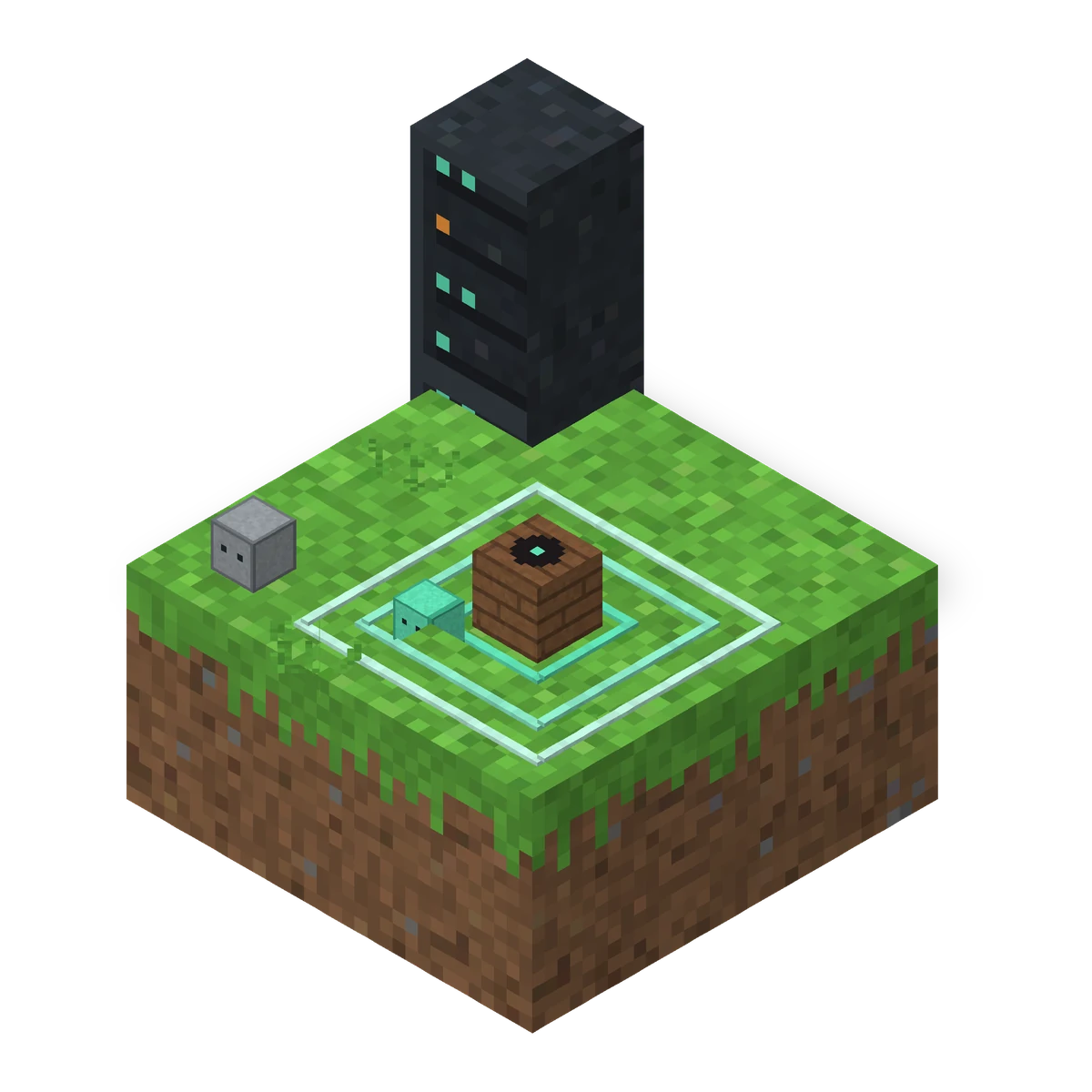
A sound played with /playsound at volume 1 carries 16 blocks, and a higher volume multiplies that range instead of making the sound louder: volume 2 reaches 32 blocks, volume 4 reaches 64. Inside the range the sound still fades with distance, so a player near the edge hears it faintly. Below 1, the range stays 16 blocks and the sound only gets quieter.
Java Edition
playsound <sound> [<source>] [<targets>] [<pos>] [<volume>] [<pitch>] [<minVolume>]| Argument | Default | What it really does |
|---|---|---|
volume | 1 | Range in steps of 16 blocks. Above 1 it is not louder, it reaches further. |
pitch | 1 | From 0.5 to 2. Lower is deeper and slower, higher is brighter and faster. |
minVolume | 0 | From 0 to 1. How loud players outside the range hear it. At 0 they hear nothing. |
source | master | Which volume slider applies on the player's side, such as master, hostile or ambient. |
The sound itself is a sound event, such as minecraft:entity.wither.death, not a file name. The game picks one of the sounds behind that event, the same way it does when a wither really dies.
Why @a[distance=..50] does not make a playsound reach 50 blocks
@a[distance=..50] only selects which players receive the sound, and the volume still decides how far it carries, so at volume 1 everyone between 16 and 50 blocks away is selected and hears nothing. The two numbers have nothing to do with each other. This command looks right and is not:
Selects players up to 50 blocks away, carries 16
playsound minecraft:entity.wither.death master @a[distance=..50] ~ ~ ~ 1 1When everyone you selected is out of range, the command fails with The sound is too far away to be heard. When at least one of them is in range, it reports Played sound minecraft:entity.wither.death to ... as a success, even if most of the others heard nothing. So a success message does not prove the sound reached everyone.
A real request from a customer server
A server owner wanted a wither death sound for everybody within 50 blocks of a player who died, at full volume, and used exactly the command above. Players more than 16 blocks away never heard it. One extra number fixed it, see below.
How to make playsound louder for players further away
To make a playsound reach players beyond 16 blocks at full volume, add minVolume 1 as the last number. Players outside the normal range then still hear the sound at full volume. There are three ways to do it, and they sound different in game.
1. minVolume 1: full volume for everyone you selected
Heard by every player within 50 blocks
playsound minecraft:entity.wither.death master @a[distance=..50] ~ ~ ~ 1 1 1Players within 16 blocks hear it from where it happened. Players further away hear it at full volume, but the game plays it about two blocks from them, so they lose the direction.
2. Play it at each player
Each selected player hears it at their own position
execute as @a[distance=..50] at @s run playsound minecraft:entity.wither.death master @s ~ ~ ~ 1 1execute as picks the players within 50 blocks of where the command runs, at @s moves the sound to each of them, and @s sends it only to that player. Everyone hears it clearly, as if it happened next to them. This is the one to use for announcements.
3. Raise the volume to stretch the range
Range of about 51 blocks
playsound minecraft:entity.wither.death master @a ~ ~ ~ 3.2 1Volume 3.2 times 16 is a little over 51 blocks. The sound keeps its direction, which feels natural for an explosion or a bell, but it fades over the whole distance: someone 40 blocks away hears it quietly. Pick this one when the sound should seem to come from a place.
Minecraft playsound for all players on the server
To play a sound for all players on the server, wherever they are, run it at each player with execute as @a at @s. A plain @a with one position only reaches the players within range of that position.
Every online player, in every world
execute as @a at @s run playsound minecraft:entity.player.levelup master @s ~ ~ ~ 1 1Choose the source on purpose. It decides which of the player's own volume sliders applies: master follows Master Volume, hostile the Hostile Mobs slider, ambient the Ambient/Environment slider. A player who turned that slider down hears less, whatever your command says.
Playsound not working in Minecraft: the usual causes
| What you see | Why | Fix |
|---|---|---|
The sound is too far away to be heard | Every target is outside 16 × volume blocks | Add minVolume 1, raise the volume, or play it at each player |
Played sound ..., yet far away players hear nothing | One player in range is enough for a success | Same fixes as above |
| It says the sound played, nobody hears it | The sound event does not exist, often a file name or a Bedrock name | Use a Java sound event, like minecraft:entity.wither.death |
| Only some players hear it | Their volume slider for that source is down | Use master, or ask them to check their sound settings |
| A custom sound is silent | The players do not have the resource pack that defines it | Send the pack from the server, see the resource pack guide |
On a Java server with Geyser, these are Java commands for everyone. Bedrock's own /playsound has no source argument and uses different sound names, such as mob.pig.say, so a command copied from a Bedrock tutorial will not run here. For custom sounds, the resource pack guide shows how to make players download the pack when they join.
Written and checked by the Lodehost team, last reviewed on 7 November 2026.