 Lodehost
Install WorldGuard and WorldEdit
WorldGuard is a plugin for Paper, Purpur, Spigot and Folia. It does not run on Fabric, Forge or NeoForge. It needs WorldEdit to start, because regions are drawn with a WorldEdit selection. FastAsyncWorldEdit counts as WorldEdit: it announces itself under that name and loads before WorldGuard, so either one works. Never install both.
| Your server runs | What the Plugins tab offers |
|---|---|
| 26.2 | WorldGuard and FastAsyncWorldEdit, both checked by us for this version |
| 26.3 | WorldGuard, WorldEdit and FastAsyncWorldEdit, the stable releases made for 26.3 |
Install both from the catalog
On the Plugins tab, search
worldguardand press Install, then searchworldeditand install WorldEdit or FastAsyncWorldEdit.Restart
Restart the server from the Console tab. WorldGuard creates
plugins/WorldGuardwith aconfig.ymland a folder per world.Check the console
If WorldGuard is missing from the plugin list after the start, the console usually says it is missing its WorldEdit dependency. Plugin not loading explains that message.
Operators walk through every region
An operator has every WorldGuard permission, including the bypass for region protection. So when you test a region on your own opped account, you can still break everything and it looks as if WorldGuard does nothing. Type /rg bypass off to switch your bypass off while testing, and /rg bypass on to get it back, or test on an account without op.
Create a region to protect spawn
These commands run in the game, because a region takes its shape from your own WorldEdit selection. Stand at spawn with the build team's area in view.
Select the area
Type
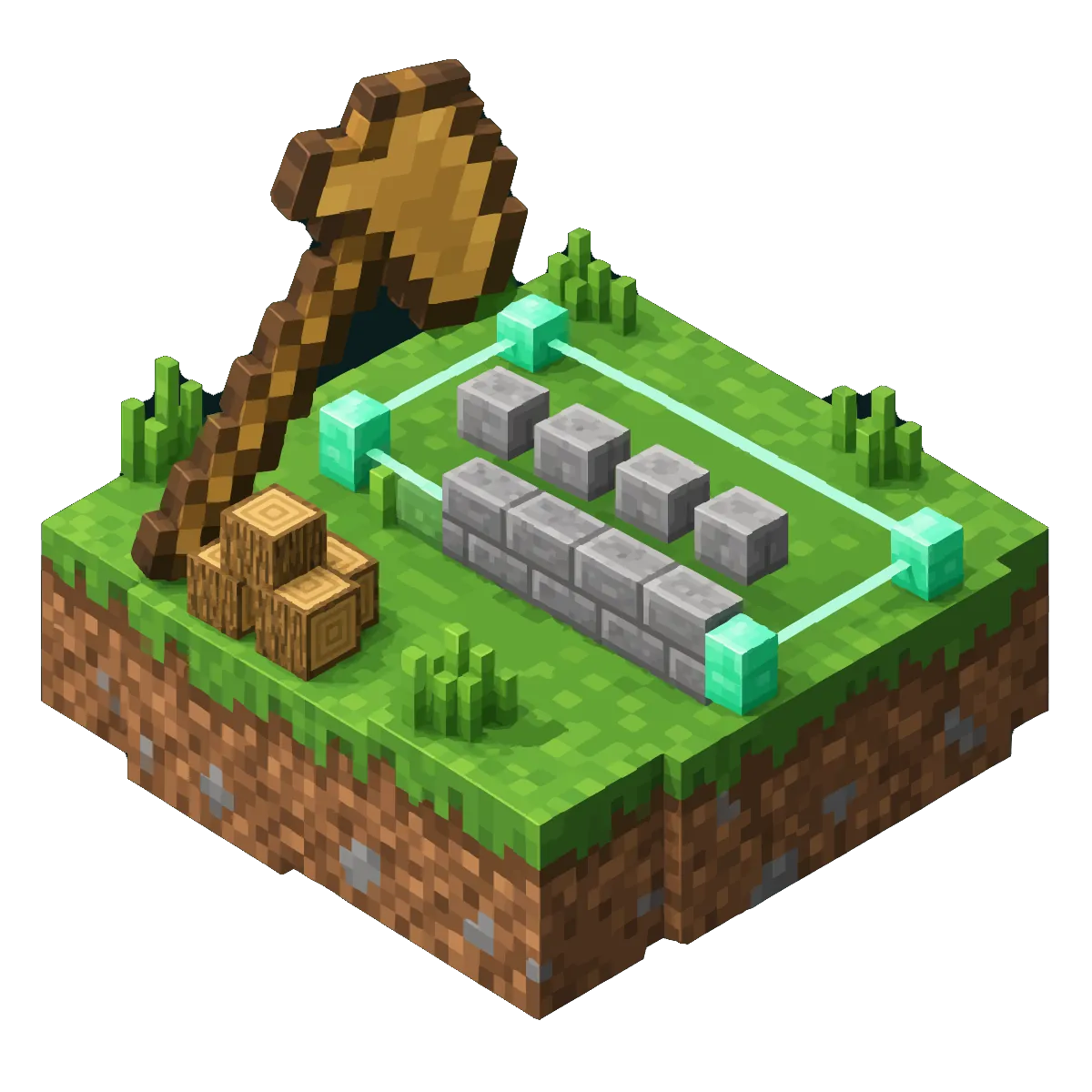
//wandto get a wooden axe. Left click one corner of spawn and right click the opposite corner. A region can be a box or a flat outline with a height; spheres and cylinders are not accepted.Stretch it from bottom to top
Type
//expand vert. Without it the region is only as tall as the two blocks you clicked, and players can dig in from below or build on top. The WorldEdit guide has the other selection commands.Define the region
Type
/rg define spawn. From that moment nobody can build inside except its members and owners. Names are unique per world and not case sensitive.Let the build team in
/rg addmember spawn RiverFox22adds one player./rg addmember spawn g:builderadds everyone in the permission group builder, such as a group you made in LuckPerms. Owners are added with/rg addowner.
A player who is not a member and tries to break a block sees Hey! Sorry, but you can't break that block here. WorldGuard saves regions by itself after a short moment, in plugins/WorldGuard/worlds/world/regions.yml; /rg save writes them right away.
Turn off the game's own spawn protection
Minecraft has its own spawn protection, 16 blocks around the world spawn by default, and it lets only operators build there. Your builders would be blocked even as region members. With a WorldGuard region over spawn, set Spawn protection (blocks) in the Gameplay group of the Settings tab to 0, which is spawn-protection=0 in server.properties, and restart. The security check in our panel then says anyone can build at spawn. It only reads that setting, so with the region in place the warning does not apply.
Set region flags for PvP, mobs, explosions and a greeting
Membership decides who may build. Everything else is a flag: a rule with a value, set per region. A typical spawn:
In the game
/rg flag spawn pvp deny
/rg flag spawn mob-spawning deny
/rg flag spawn creeper-explosion deny
/rg flag spawn tnt deny
/rg flag spawn fire-spread deny
/rg flag spawn use allow
/rg flag spawn greeting Welcome to spawn!
use allow lets everyone press buttons and open doors, which a protected region otherwise blocks for visitors. To remove a flag, give it no value: /rg flag spawn pvp. /rg flags spawn shows every flag of the region as a list you can click to change values.
| Flag | Values | What it controls |
|---|---|---|
pvp | allow, deny | Players hurting each other |
mob-spawning | allow, deny | All mob spawns, also from eggs and commands |
creeper-explosion, tnt, other-explosion | allow, deny | Damage from explosions |
fire-spread, lava-fire | allow, deny | Fire spreading and lava setting things alight |
use, chest-access, ride | allow, deny | Doors and buttons, containers, mounting horses and minecarts |
entry, exit | allow, deny | Walking in or out, for non-members unless you say otherwise |
greeting, farewell | text | A chat line when someone walks in or out |
deny-message | text | What players see when an action is blocked |
invincible, fall-damage | allow, deny | Taking damage inside the region |
game-mode | survival, creative, adventure | The game mode players get when they walk in |
WorldGuard has many more, from leaf-decay to crop-growth. Its advice is to set flags only where you want something different from the default, and never to use protection flags such as block-break to open or close a whole region. Membership and passthrough are for that.
Make a flag apply to visitors only
A flag can be aimed at part of the players with -g. These groups are WorldGuard's own and have nothing to do with permission groups:
| Group | Who |
|---|---|
all | Everyone, the default for most flags |
members | Members and owners of the region |
owners | Owners only |
nonmembers | Everyone who is not a member or owner |
nonowners | Everyone who is not an owner |
In the game: visitors walk around spawn in adventure mode, the build team does not
/rg flag spawn -g nonmembers game-mode adventureOne flag holds one value per region. If visitors and members need two different values of the same flag, make a second region.
Turn off PvP everywhere with the global region
Every world has a region that covers all of it, called __global__. It sits below every other region and does not protect anything by default. Setting a flag on it creates it:
In the game
/rg flag __global__ pvp denyThat turns PvP off in the whole world, and an arena region with pvp allow can switch it back on in one place. On a build or creative server you can also stop building everywhere outside regions with /rg flag __global__ passthrough deny. Do not set build on the global region: it stops pistons and everything else that places or breaks blocks across the world.
Regions inside regions: priority and passthrough
Regions may overlap, and then a player has to be a member of all of them to build. Two tools change that.
- Priority. Every region starts at 0. Where regions overlap, only the ones with the highest priority count for building, and the highest one that sets a flag decides that flag. A shop inside spawn with its own owner gets
/rg setpriority shop 10. - Passthrough. A region made only for a flag, such as a PvP arena inside spawn, should not protect anything by itself.
/rg flag arena passthrough allowmakes it transparent for building, so spawn's members can still work there.
In the game: an arena inside spawn
/rg define arena
/rg flag arena pvp allow
/rg flag arena passthrough allow
When two regions with the same priority disagree on an allow or deny flag, deny wins.
Keep players out of an area
entry applies to non-members unless you choose a group, so a staff room is two commands:
In the game
/rg define staffroom
/rg addmember staffroom g:mod
/rg flag staffroom entry deny
Everyone else bounces off the edge with Hey! You are not permitted to enter this area. Change that line with entry-deny-message. exit deny works the other way round and keeps non-members inside, for a jail or a parkour start.
Find, change and remove regions
| Command | What it does |
|---|---|
/rg list | Every region in the world you stand in |
/rg info spawn | Owners, members, flags, priority and corners |
/rg select spawn | Loads the region as your WorldEdit selection, to see or change it |
/rg redefine spawn | Gives the region the shape of your current selection, keeping members and flags |
/rg remove spawn | Deletes the region |
/rg addmember, /rg removemember | Adds or removes players or g: groups |
Right click a block with leather to list every region that covers it. That needs worldguard.region.wand, which operators have.
Region files live in the plugins folder, so the backups on our Backups tab include them. When you reset the Nether or the End, the regions of that world stay in their file and apply to the new terrain.
Let staff manage regions without op
Without op, nobody can use WorldGuard commands until a permissions plugin gives them. With LuckPerms, a moderator rank that can look up regions and change members, and an admin rank with everything:
Console, with LuckPerms
lp group mod permission set worldguard.region.info.* true
lp group mod permission set worldguard.region.list true
lp group mod permission set worldguard.region.wand true
lp group mod permission set worldguard.region.addmember.* true
lp group mod permission set worldguard.region.removemember.* true
lp group admin permission set worldguard.* true
Many region permissions also come in an own form, such as worldguard.region.addmember.own.*, which only works on regions the player owns. Keep in mind that worldguard.* contains the bypass for every region, so admins have the same blind spot as operators when they test.
Why WorldGuard is not protecting a region
| What you see | Usually because | What to do |
|---|---|---|
| You can break blocks and get no message | You are op or hold worldguard.*, so you bypass | /rg bypass off, or test without op |
| Players dig in from below or build on top | The region is only a few blocks tall | /rg select spawn, //expand vert, /rg redefine spawn |
| Builders are blocked at spawn | The game's own spawn protection | Set Spawn protection (blocks) to 0 on the Settings tab |
| Members are blocked in a smaller region | They are not members of the overlapping one | Raise its priority, or give the other region passthrough allow |
| Players get the message and the block still breaks | Another plugin allows what WorldGuard denied | Look for a second protection plugin on the same area |
| The greeting never shows | use-player-move-event is off in config.yml | Set it to true and restart |
Written and checked by the Lodehost team, last reviewed on 7 November 2026.