Lodehost
Griefing is stopped in layers
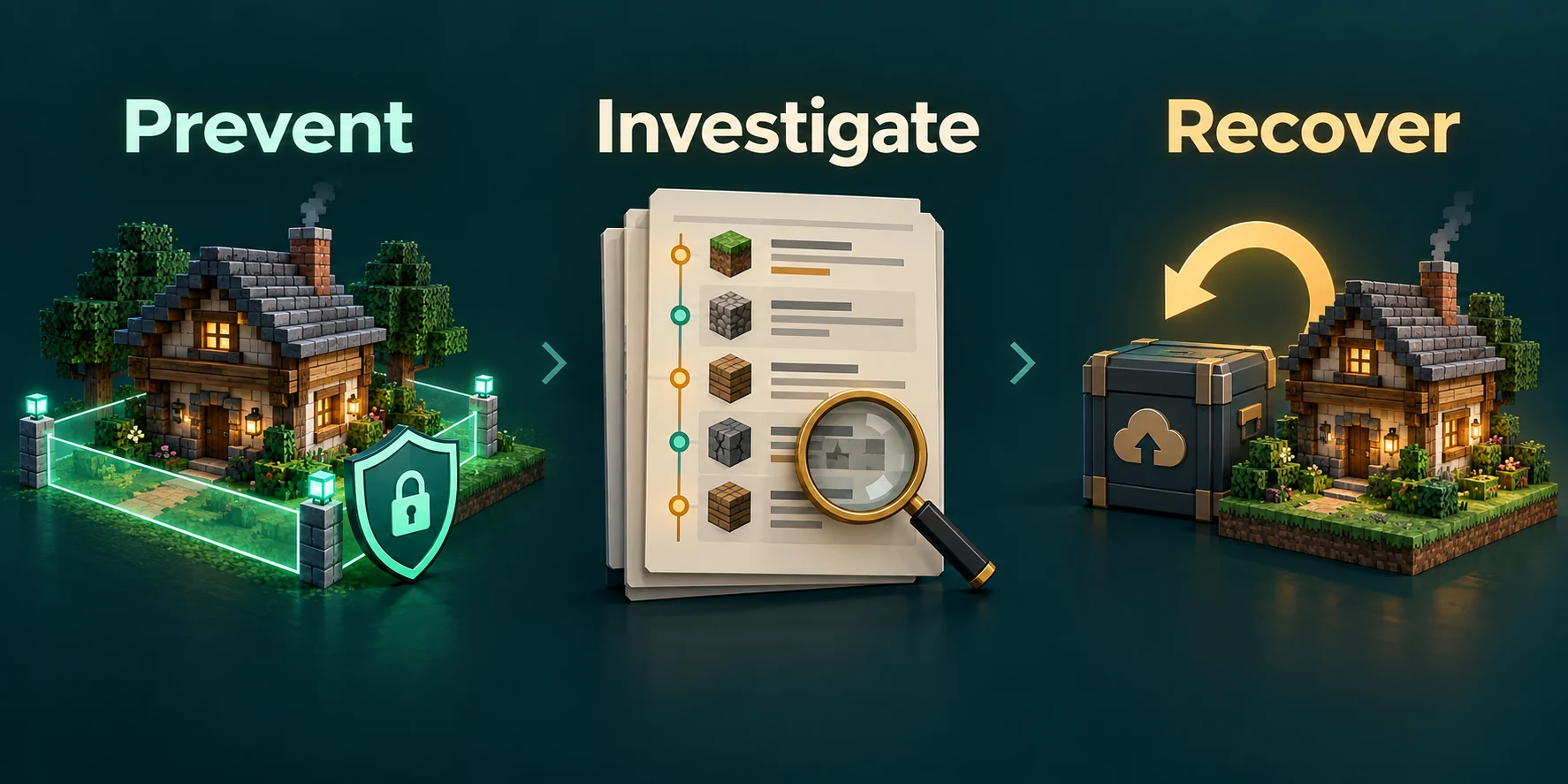
No single setting stops griefing. What works is a few layers that each catch what the others miss: who can join at all, what they may touch once inside, what the world itself allows to break, and how quickly damage can be put right.
| Layer | What it stops | Where you set it |
|---|---|---|
| Account checks and a whitelist | Strangers, and people pretending to be someone else | Settings tab, Access group |
| Claims | Players breaking or taking what others built | GriefPrevention |
| A block log | Damage nobody saw happen, undone one player at a time | CoreProtect |
| Game rules | Creepers and TNT tearing holes in the land | Game rules card on the World tab |
| Backups | The worst case, when everything else failed | Backups tab |
Start with who gets in
- Keep Verify accounts with Mojang on. With it off, anyone can join under any name, yours included, and banning a name achieves nothing.
- Use the whitelist on a private server. Switch on Whitelist in the Access group and add your players. Enforce whitelist immediately removes anyone online who is not on the list.
- Hand out operator rights sparingly. An operator can get around every protection on this page, and the guide to operator levels shows which level suits which job.
- Ban from the console.
banfollowed by a player name keeps that player out, andpardonlets them back in.
Spawn protection, and its catch
Spawn protection, under Spawn protection (blocks) in the Gameplay group, keeps the area around world spawn out of reach for anyone who is not an operator. At the default of 16 that is a square of 33 by 33 blocks with spawn in the middle.
The catch is that it only works while the server has at least one operator. On a server without operators, everyone can build and break at spawn. It also covers the spawn in the overworld and nothing else, so a busy public area anywhere else needs claims.
Claims with GriefPrevention
GriefPrevention lets every player protect their own builds without calling a moderator. A claim is an area on the map that only its owner, and the players they trust, can change.
Install it
Find GriefPrevention in the plugin catalog on the Plugins tab and restart the server. It runs on Paper and Purpur.
Claim with a golden shovel
Right-click one corner of the area with a golden shovel, then the opposite corner.
Look with a stick
Right-click with a stick to see the borders of the claims around you, marked with temporary blocks.
Trust your friends
Give other players access with the trust commands below. Nobody else gets in by default.
New players get a small claim around the first chest they place, so their belongings are safe before they even know claims exist. How many blocks a player may claim grows with the time they actually play; standing idle does not count.
| Command | What the other player may do |
|---|---|
/accesstrust <name> | Use buttons, levers and beds |
/containertrust <name> | All of that, plus chests, crafting stations and animals |
/trust <name> | Everything, including building and breaking |
/permissiontrust <name> | Give other players access to the claim |
/untrust <name> | Nothing any more; this takes access away |
/trustlist shows who has access where you stand, /subdivideclaims splits a claim into parts with their own trust, and /abandonclaim gives a claim up. Staff can remove a claim with /deleteclaim and step past claims for a moment with /ignoreclaims.
Undo the damage with CoreProtect
CoreProtect records every block placed or broken and every item taken from a chest, together with the player and the time. When something gets wrecked, you find out who did it and roll back only their changes, while everything else built since then stays.
It only knows what happened after it was installed
CoreProtect has no history from before it ran, so install it on the first day, not after the first grief. It is in the plugin catalog on the Plugins tab; check that a build for your Minecraft version exists, because a protection plugin that fails to load protects nothing.
/co inspect turns the inspector on. Left-click a block to see who placed it, or right-click a chest to see who took what, and run the command again to switch it off. For a larger area, a lookup and a rollback go like this:
In chat
/co lookup u:Kai t:2d
/co rollback u:Kai t:2d r:#global #preview
/co rollback u:Kai t:2d r:#global
/co restore u:Kai t:2d r:#global| Part | Meaning |
|---|---|
u:Kai | Only changes made by this player |
t:2d | Going back two days; units combine, as in t:1d,6h |
r:10 | Within 10 blocks of you, while r:#global means everywhere |
a:-block | Only broken blocks; a:+block is placed blocks and a:container chest contents |
#preview | Shows the rollback to you alone, without changing the world |
Run a big rollback with #preview first and take a look around. /co undo reverses your last rollback or restore when it went wrong, and /co near lists the recent changes right around you.
The log grows with every block that changes. /co purge t:30d deletes entries older than thirty days; in game it refuses shorter periods, while the console accepts periods down to a single day.
Creepers, TNT and endermen
Not all damage comes from players. The Game rules card on the World tab has two switches for most of the rest:
- TNT explodes off makes lit TNT harmless everywhere, which also ends TNT traps and cannons.
- Mob griefing off stops creepers from breaking blocks and endermen from carrying them away. Farmer villagers stop harvesting as well, so crop farms that rely on them stand still.
Both switches apply to the whole world at once. GriefPrevention protects claims against explosions while the wilderness stays as it is, which many survival servers prefer. The game rules guide covers the other rules on the card.
Backups for the worst case
When a whole area is flattened, or a grief went unnoticed for weeks, a backup is the last way back. Restoring one takes the entire server back to that moment, so everyone loses what they built since. That is why CoreProtect comes first and a backup second.
On the Backups tab, Create backup takes a copy on the spot, with an optional name such as before opening to the public, and Restore puts one back. On a plan without backup slots, download the world from the Files tab now and then instead.
Before you open the server to strangers
- Install CoreProtect and GriefPrevention, and restart the server.
- Check spawn protection, and make sure at least one trusted operator exists.
- Decide on TNT and mob griefing, and set both on the Game rules card.
- Make a backup with a name that says why. On a plan without backup slots, zip the world folders on the Files tab and download the archive.
- Write the rules down where new players arrive, including how claims work.
Written and checked by the Lodehost team, last reviewed on 14 September 2026.