Lodehost
What the server keeps about one player
The world holds three files for every player who ever joined. All three carry the player's UUID in their name, never the username, so a name change on the account keeps the same files.
| File | What is inside | Command that changes it |
|---|---|---|
players/data/<uuid>.dat | Inventory, the 27 ender chest slots, position and dimension, respawn point, experience and unlocked recipes | clear, item, xp, tp, recipe |
players/advancements/<uuid>.json | Every advancement and the progress towards it | advancement revoke |
players/stats/<uuid>.json | Play time, deaths, mobs killed, blocks mined, distance walked | None |
The paths start inside the world folder, which is world unless level-name says otherwise.
Next to a .dat file you will often find a <uuid>.dat_old. That is the save before the last one. When the .dat file is missing, the server loads the .dat_old in its place, which is why a reset has to remove both.
Did the layout change in 26.1?
Yes. Before 26.1 the same files sat in three separate folders directly inside the world: playerdata, advancements and stats. Java Edition 26.1 gathered them under one players folder, and 26.2 keeps that layout. A world that was created on an older version is rearranged by the server on its first start on 26.1 or newer, so do not move those folders around by hand. On Paper and Purpur the player folders live only in the main world, not in world_nether or world_the_end.
Finding the UUID that belongs to a name
Every file you are about to touch is named after a UUID such as 3f8c2a91-6b0e-4d57-9c1a-7e24b5d0f613, so the first job is matching the name to that string. The server keeps its own lookup list in usercache.json, in the main server folder, with one entry per player who joined recently:
usercache.json
[
  {
    "name": "Kai",
    "uuid": "3f8c2a91-6b0e-4d57-9c1a-7e24b5d0f613",
    "expiresOn": "2026-10-14 19:02:11 +0000"
  }
]- Open it with Edit on the Files tab. It is a text file, so the panel shows it, and the browser's own search finds the name quickly.
- Operators, whitelist and bans carry UUIDs too. When the player is on one of those lists,
ops.json,whitelist.jsonorbanned-players.jsonshows the same pair of name and UUID. - Check the date. The Players tab shows how long someone played and when they were last seen, read from the stats files. In
world/players/statsthe Modified column on the Files tab shows when each file last changed, and a file changed at that moment is a strong hint.
Online and offline servers give different UUIDs
With Verify accounts with Mojang on, a UUID belongs to the player's Microsoft account. With it off, the server works the UUID out from the text OfflinePlayer: plus the name, so the same person has another UUID and a different set of files. Switching that setting is the most common reason a player suddenly arrives with an empty inventory. The guide to moving a server explains why it has to stay the same.
Smaller fixes with commands, while the player is online
Often the player only needs part of their data gone. The game has a command for most of it, and none of them touch other players. In the Console tab you leave out the slash; in chat you type it. Each of these commands needs the player to be online. Otherwise the answer is No player was found.
Console
clear Kai
item replace entity Kai enderchest.0 with air
xp set Kai 0 levels
xp set Kai 0 points
advancement revoke Kai everything
recipe take Kai *
effect clear Kai
tp Kai 0 80 0| Command | What it does | What it leaves alone |
|---|---|---|
clear Kai | Empties the inventory, including the offhand, the small crafting grid and the item on the cursor | The ender chest |
clear Kai minecraft:diamond | Removes only that item | Everything else they carry |
item replace entity Kai enderchest.0 with air | Empties one ender chest slot; the slots run from enderchest.0 to enderchest.26 | The other 26 slots |
xp set Kai 0 levels and xp set Kai 0 points | Levels, then the progress inside the current level | Items that were enchanted with those levels |
advancement revoke Kai everything | Every advancement the player earned | Statistics |
recipe take Kai * | All recipes in the recipe book | Items they crafted before |
tp Kai 0 80 0 | Moves the player, which rescues someone stuck in a wall or a portal loop | Their respawn point |
The ender chest has no single command that empties all 27 slots. Either run the item replace line 27 times with the slot number counting up, or reset the file with the server stopped, as below. Statistics have no command at all: the stats file is the only way to change them.
A full reset with the server stopped
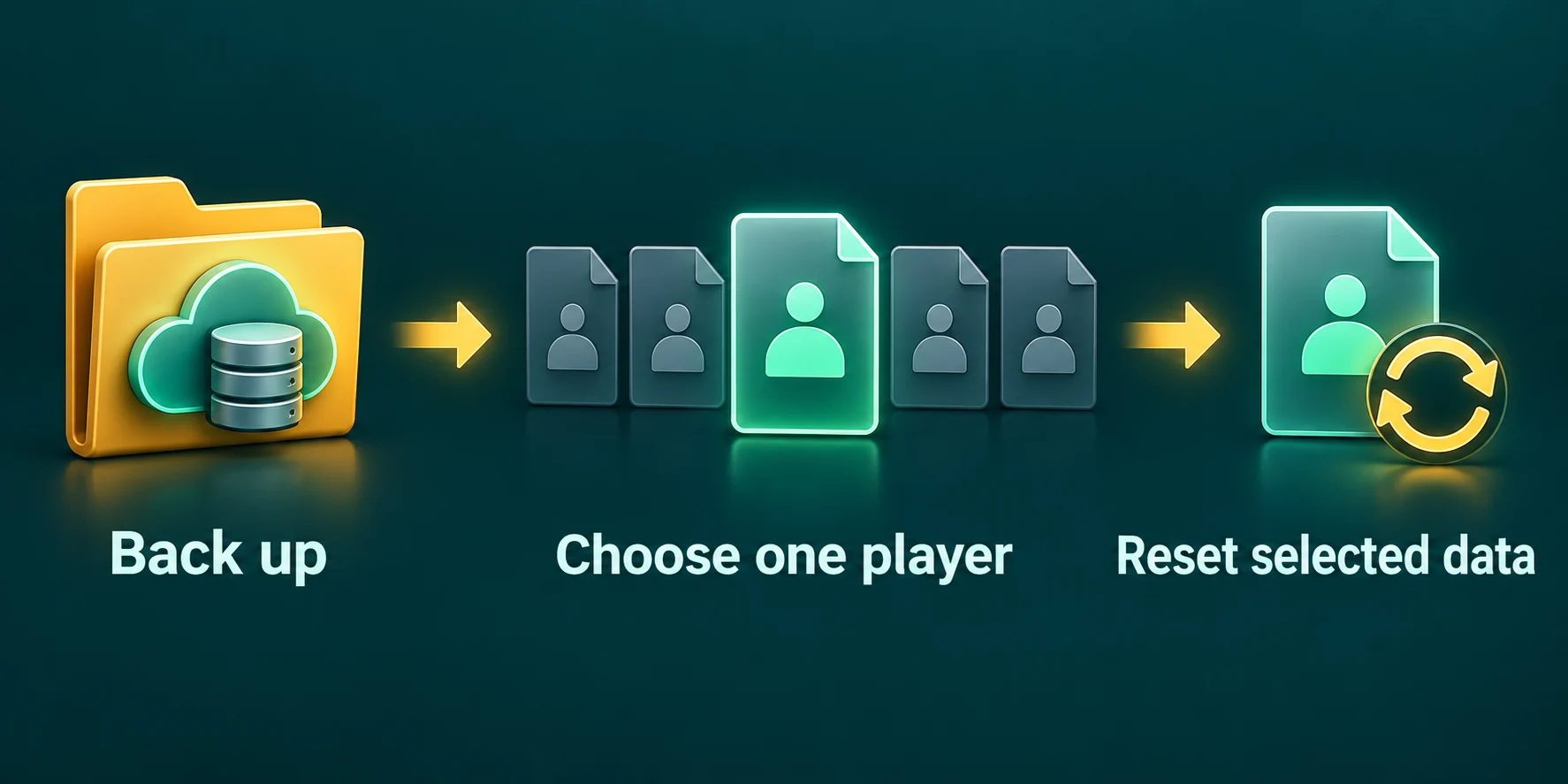
Deleting the files gives a true fresh start: the player joins at world spawn with nothing, as if for the first time. Do it on a stopped server. A running server keeps an online player's data in memory and writes it back to disk, right over your change.
Look up the UUID
Find the player's UUID in
usercache.jsonand copy it, so you do not have to read a 36 character string twice.Stop the server
Warn whoever is online, then stop it. Wait until it has fully stopped before touching any file.
Make a copy
In
world/players/data, tick the player's.datand.dat_old, press Zip and download the archive with Download. Do the same for their file instatsand inadvancements. The next section has the reason.Delete what you want gone
Tick only the files you mean to reset and press Delete. For a clean start that is the
.dat, the.dat_old, the stats file and the advancements file. The panel warns that there is no bin to restore them from, which is why the copy comes first.Start and let the player join
The server creates new files when the player logs in. Plugin data is a separate matter, so check the plugin section below before you tell them it is done.
| Goal | Delete these, with the server stopped |
|---|---|
| Start completely over | .dat, .dat_old, the stats file and the advancements file |
| New inventory and position, keep the achievements | Only .dat and .dat_old |
| Clear the play time and death count | Only the stats file |
| Earn the advancements again | Only the advancements file |
Do not open a .dat file with Edit
Player files are compressed binary data, not text. The file manager only offers Edit for text files, and that is on purpose: saving a .dat through a text editor would destroy it. To change single items, use the commands above while the player is online.
Keep a copy you can put back
A reset goes wrong in small ways: the wrong UUID, a player who changes their mind, or a staff member who wiped the account of a friend with a similar name. With the player's own files in a zip, undoing it takes a minute and no one else loses a thing.
- Stop the server.
- Upload the zip to the server folder on the Files tab and press Extract on it.
- Put the files back into
world/players/data,statsandadvancements, replacing the new ones with the same name. - Start the server and let the player join.
A server backup works as well, but Restore on the Backups tab takes the whole server back to that moment, so everybody else loses what they did since. For one player, the zip is the better tool. On a plan with no backup slots, it is the only copy you have, so keep it on your own computer.
Plugins keep their own records
Deleting the world files does nothing to what plugins store in the plugins folder. A player who expected a clean slate can log back in with an empty inventory and still have their money, homes and rank. Most plugins name those records after the same UUID, which makes them easy to find.
EssentialsX as an example
EssentialsX gives every player a file of their own in plugins/Essentials/userdata, called <uuid>.yml. It holds their homes, balance, nickname, mail, mute and jail status and the spot where they last logged out. Delete it with the server stopped to reset all of that at once. Because it is a text file, you can also open it with Edit and remove a single home or change the balance instead. The EssentialsX guide covers homes and kits in more detail.
| Kind of plugin | Where to look | Worth knowing |
|---|---|---|
| Homes, economy, nicknames | A per player file in the plugin folder, often named by UUID | Delete it only with the server stopped |
| Ranks and permissions | The permission plugin's own storage | Remove the player with that plugin's commands instead of deleting files |
| Claims and protection | The protection plugin's data folder | Deleting a player there can leave their builds unprotected |
| Block logging | The logging plugin's database file | Leave it alone; its history is how you undo griefing later |
Ops, whitelist and bans sit outside the world too, in the server folder. A reset does not take away operator rights or lift a ban; use the Players tab or the guide to bans for that.
Bedrock players on a Crossplay plan
On a Crossplay server, Bedrock players join through Floodgate and get a UUID made from their Xbox account ID, in the shape 00000000-0000-0000-xxxx-xxxxxxxxxxxx. Their files look the same as everyone else's and sit in the same folders, so the steps above work unchanged. The leading zeros make them easy to pick out in world/players/data.
- Search for the name with its dot. Floodgate puts a
.in front of every Bedrock name, so a phone player called RiverFox22 shows up as.RiverFox22inusercache.json. Spaces in a gamertag become underscores. - Linked accounts use the Java files. A Bedrock player who linked a Java account plays with that Java account's inventory and position, and their Bedrock progress stays out of reach until they unlink. Reset the Java UUID in that case, not the one with the zeros.
- Leave online mode alone. Changing Verify accounts with Mojang gives Java players new UUIDs, and with it their old files no longer belong to anyone.
More about how both editions share one server is in the Crossplay guide.
Which fix for which problem
| What happened | Smallest fix |
|---|---|
| Kicked on every join because of one item | Stop the server, zip and delete .dat and .dat_old; stats and advancements can stay |
| Stuck inside blocks or looping through a portal | tp the player to a safe spot the moment they are online |
| Someone wants to start over on the same server | Delete all four files, and their file in plugins/Essentials/userdata if you run it |
| Creative items left over from testing | clear the player, then empty the ender chest slot by slot or reset the file |
| Everyone lost their items at once | Nobody's files are broken: check whether Verify accounts with Mojang was changed |
| Items gone after a Nether or End reset | Look at chests in that dimension; the dimension reset guide explains what goes with it |
Written and checked by the Lodehost team, last reviewed on 14 September 2026.