Lodehost
The mods decide, not the loader
A mod file is built for one loader. The same mod can exist for several loaders, but each download works on exactly one. So pick the modpack or the list of mods first, check which loader and Minecraft version they have in common, and install that.
Server and players need the same set. Everyone who joins runs the same loader and the same mods in their own game, except for mods that only touch the server, such as some optimisation mods, or only the player's screen, such as a shader loader.
How the three differ
| Fabric | Forge | NeoForge | |
|---|---|---|---|
| Around since | 2018 | 2011 | July 2023, as a fork of Forge |
| Strongest at | New versions early, light setups, performance mods | The large back catalogue for 1.12.2, 1.16.5 and 1.20.1 | Big content mods and modpacks on 1.21.1 and newer |
| Library most mods need | Fabric API | None | None |
| Version numbers | A loader version of its own, apart from the game | A number of its own, such as 64.1 for Minecraft 26.1.2 | Starts from the game version, such as 21.1 for 1.21.1 and 26.1 for 26.1 |
| On our panel | Yes | Yes | Yes |
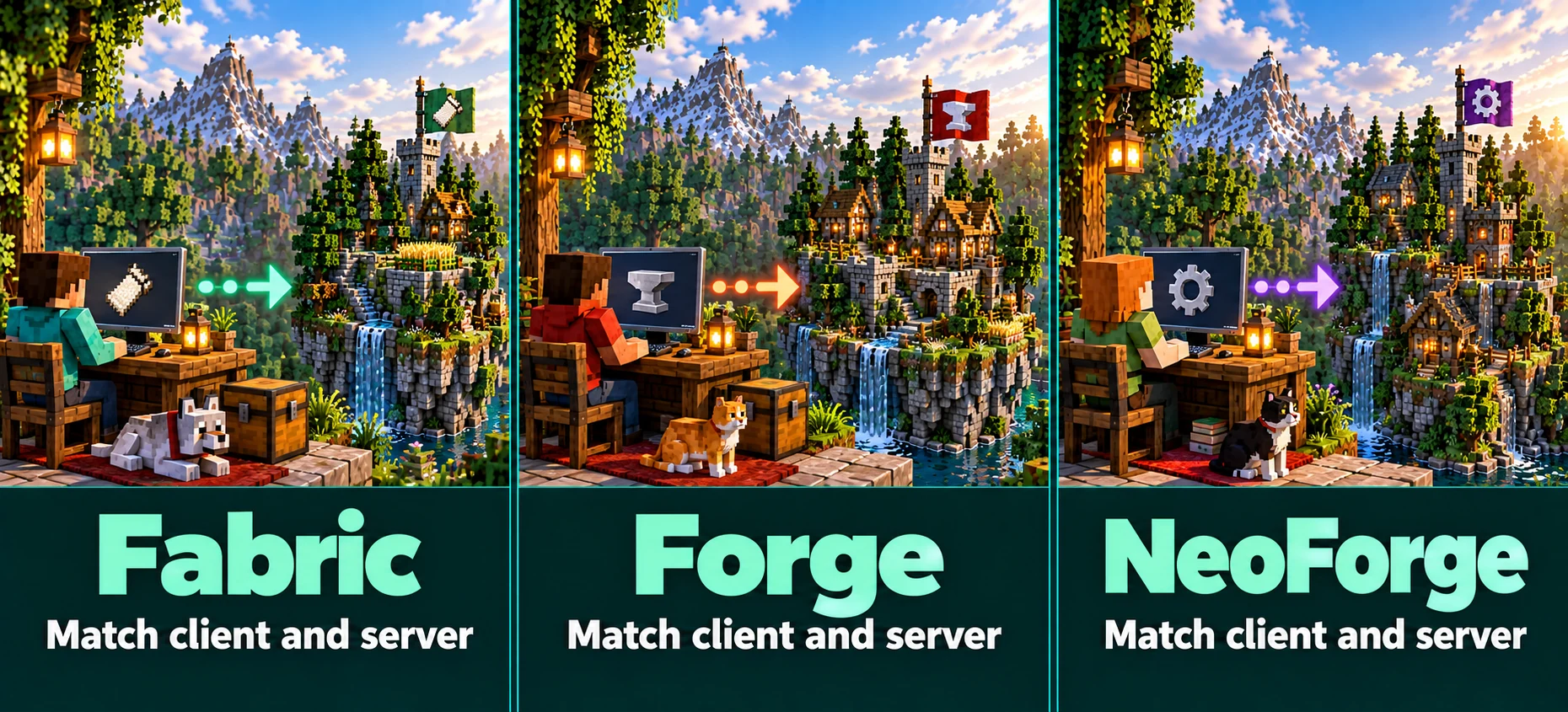
Fabric
Fabric is a small loader that changes as little as possible by itself. Most of the shared work sits in Fabric API, a library that nearly every Fabric mod needs next to it. Because the loader is so light, Fabric is usually among the first to support a new Minecraft release.
It is also home to many optimisation mods. On the server, Lithium speeds up game logic without changing how the game behaves, and FerriteCore lowers memory use. Players can add Sodium to their own game for better frame rates; the server does not need it.
Forge
Forge has loaded mods since 2011 and has the longest history of the three. Most classic modpacks for 1.7.10, 1.12.2, 1.16.5 and 1.20.1 are Forge packs, and on those versions it is the only real option. Forge still releases for new Minecraft versions, 26.1.2 included, but most large mods for recent versions have moved to NeoForge.
NeoForge
In July 2023 most of the Forge team started NeoForge as a fork. On 1.20.1 the two stayed largely compatible; from 1.20.2 on they went separate ways, and mods had to choose. Create, Mekanism and Applied Energistics 2 build for NeoForge on 1.21.1, which is why most big packs for that version are NeoForge packs.
Since 26.1 a NeoForge version starts with the Minecraft version it belongs to, so NeoForge 26.1.x is for Minecraft 26.1. For a pack that needs one mod that only exists for Fabric, Sinytra Connector can load many Fabric mods on NeoForge. It does not work for every mod, so test before you build a server around it.
Plugins and mods on one server
Plugins run on Paper, Purpur and Spigot; mods run on Fabric, Forge and NeoForge. Hybrid servers that try to load both do exist, but they fall behind new versions, break in ways that are hard to trace, and many mod and plugin authors refuse to support them.
When you need both, look for mods that do the plugin's job, or run two servers behind one address: a Paper lobby with plugins next to a modded world. The network guide explains how that works and where its limits are.
Which loader for which server
- You chose a modpack: use the loader the pack names. Installing the pack from our Mods tab sets loader and version for you.
- Vanilla feel, better performance: Fabric with Lithium and FerriteCore.
- Tech and magic mods on 1.21.1: NeoForge.
- A classic pack on 1.12.2 or 1.20.1: Forge.
- The newest Minecraft version right after release: Fabric first; the others follow later.
Installing mods on our panel
Set the loader and the version
Choose the server software and the Minecraft version on the Settings tab, or skip this step and let a modpack install set both.
Search the Mods tab
Single mods come from a checked Modrinth catalog and are matched to your loader and version before they land in the
modsfolder.Or install a whole pack
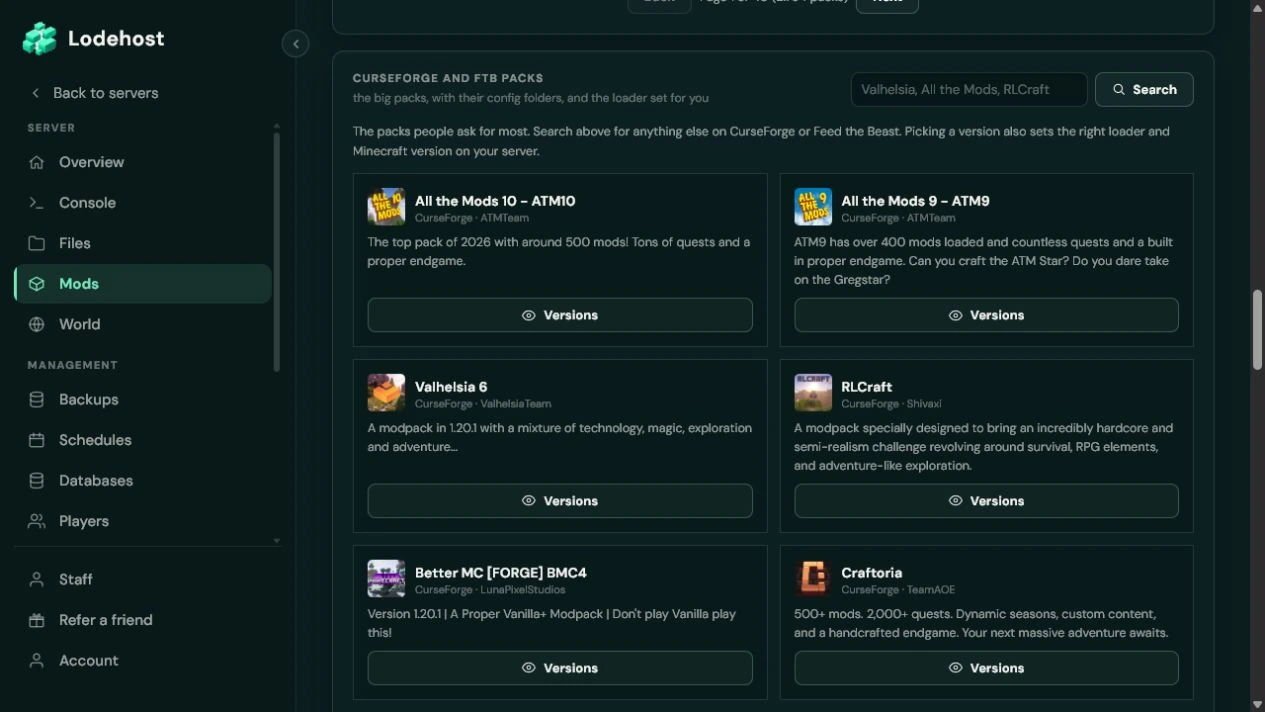
CurseForge and Feed the Beast packs install as a server pack with their own config folder. The panel warns you when a pack asks for more memory than your plan has.
Restart and share the mod list
Restart to load the mods, and give your players the same pack or list for their own game. Any mod that fails to load is named in the console.
Written and checked by the Lodehost team, last reviewed on 13 September 2026.