Lodehost
How the three are related
Bukkit gave Minecraft servers a plugin interface in the early 2010s, and CraftBukkit was the server that ran it. Spigot grew out of CraftBukkit as a faster fork with a settings file of its own. Paper began as a fork of Spigot that kept stacking performance fixes and features on top, and for years every Paper build contained all of Spigot's changes.
That ended in December 2024, when Paper announced a hard fork: it stopped taking in Spigot's code and now develops entirely on its own. Purpur is a fork of Paper, so it follows Paper and adds a long list of gameplay options.
| Spigot | Paper | Purpur | |
|---|---|---|---|
| Built on | CraftBukkit | Its own code since the hard fork | Paper |
| Bukkit and Spigot plugins | Yes | Yes, apart from plugins that dig into Spigot's internals | Yes, the same as Paper |
| Paper plugins | No | Yes | Yes |
| Settings files | bukkit.yml and spigot.yml | Those two plus a config folder with paper-global.yml and paper-world-defaults.yml | Everything Paper has, plus purpur.yml |
| Profiler included | No | spark, since 1.21 | spark, through Paper |
| How you get it | Compiled yourself with BuildTools | A ready download | A ready download |
| On our panel | Not offered; its plugins run on Paper | Yes | Yes |
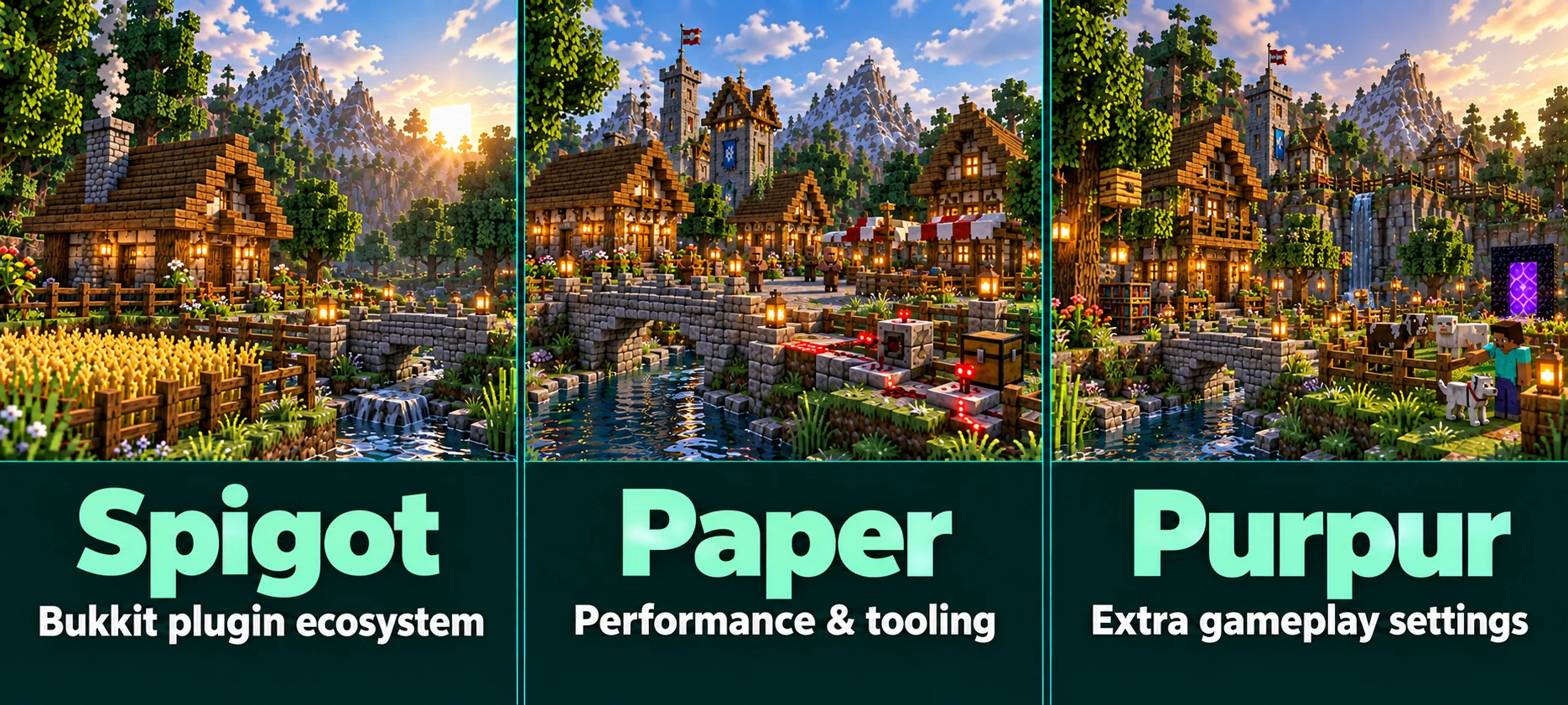
Spigot: the reference, rarely the right pick
Many plugins were first written for Spigot, and some developers still test there first. On a busy server it is clearly slower than Paper and has far fewer settings. You also cannot just download it: Spigot is compiled on your own computer with its BuildTools program.
Choose it only when a plugin you really need refuses to run anywhere else. That is rare, and often a sign that the plugin has not been updated in a long time.
Paper: the default for plugin servers
- Faster where it counts. Paper reworked chunk loading, lighting, entity handling and many other busy spots. It shows most with many players and a large world.
- Settings for the heavy parts.
paper-world-defaults.ymlholds limits on how many entities of one kind a chunk saves, despawn ranges per mob category, a faster redstone implementation and quicker explosions, and each world can override them. - Known exploits closed. Out of the box Paper blocks a few vanilla duplication tricks, such as duplicating TNT, carpets and rails with pistons. Technical players who rely on them switch them back on in
paper-global.yml. - spark included. Since 1.21 Paper ships the spark profiler, so a lag report is one command away. The spark guide shows how to read one.
- Paper plugins. Some newer plugins use Paper's own plugin format and do not load on Spigot at all.
Technical farms can behave differently
Paper fixes some vanilla behaviour that farms depend on, and a few of its speed-ups change timing in rare contraptions. If your world is built around technical farms, test them on a copy before moving everything over, and look at the unsupported-settings section of paper-global.yml for the switches that bring vanilla behaviour back.
Purpur: Paper with extra switches
Purpur takes Paper as it is and adds options that would otherwise each need a plugin. They sit in purpur.yml, and most of them keep vanilla behaviour until you change them. A few examples of what it can do:
- Let players ride and steer mobs that normally cannot be ridden.
- Turn off the brains of villagers locked in trading halls, which saves a lot of work on big servers.
- Tune single mobs: their health, their damage and whether they can break doors, among many other things.
- Show tick speed or memory in a bar at the top of the screen with the
tpsbarandrambarcommands.
Because Purpur is Paper underneath, every Paper plugin runs on it. Going from Paper to Purpur changes nothing until you edit purpur.yml, and going back works just as well, as long as you did not start relying on a Purpur-only option.
And Folia?
Folia is made by the Paper team. It splits the world into regions and ticks them on several processor threads at once, which helps very large servers whose players are spread far apart. The price is plugin support: a plugin has to be written for Folia on purpose, and many are not. For an ordinary survival or minigame server it mostly brings trouble.
Which one to pick
- Almost every plugin server: Paper.
- Gameplay tweaks without a plugin for each: Purpur.
- A technical survival world built on vanilla quirks: Paper with the duplication options switched on, after testing your farms.
- A plugin that only runs on Spigot: look for a maintained alternative first.
- Players on Bedrock as well: Paper or Purpur, because the Crossplay plugins need one of them.
- Mods instead of plugins: none of the three. See Fabric, Forge or NeoForge.
Switching on our panel
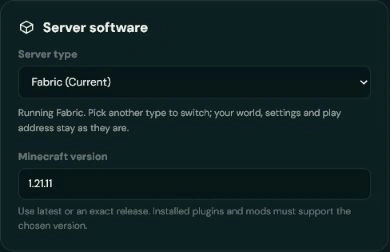
The Settings tab lets you choose the server software. Moving between Paper and Purpur keeps your world, your settings and your play address. The panel stops the server first, takes a backup and waits until that backup has really finished before it changes anything, so there is always a way back on a plan with backup slots. On a plan without them, you tick a box to go ahead without one.
A switch never deletes plugins. Move to a type that cannot load them and they simply wait in the plugins folder until you switch back.
Written and checked by the Lodehost team, last reviewed on 13 September 2026.