Lodehost
What a Minecraft server IP or address is
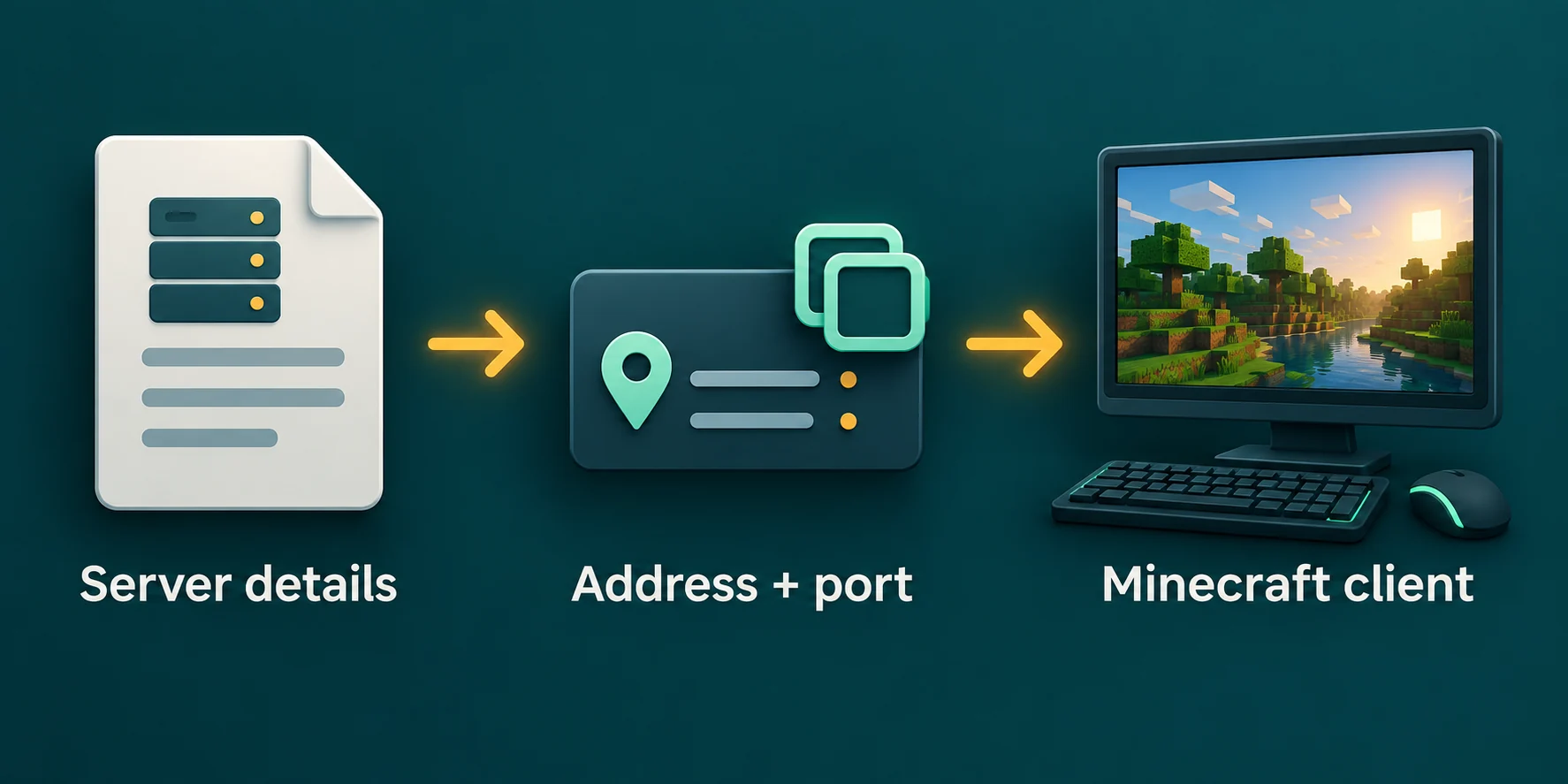
Every server listens on a machine somewhere, and the game needs to know which one. Players call that the server IP, the game calls it the Server Address, and in practice it comes in three shapes:
| Shape | Example | What it means |
|---|---|---|
| A name | play.example.com | A name that DNS turns into the numbers behind it. Most public and rented servers use one. |
| A numeric IP | 203.0.113.25 | The address of the machine itself. Common for a server on someone's own PC. |
| Either one with a port | 203.0.113.25:25570 | The number after the colon is the port, needed on Java only when the server does not use 25565. |
The example numbers are reserved for documentation and lead nowhere, so copy the real address from its owner.
A name is easier to remember and keeps working when the server moves to another machine, because only the numbers behind the name change. That is why most servers hand out a name. More on the number after the colon is in the guide to Minecraft server ports.
How to find the server address in Minecraft
Joined a server before and want to pass the address on? The game still has it. The server list shows only the name you gave the server, so you open the entry to see the address.
Java Edition: open Multiplayer
From the title screen choose Multiplayer. Your saved servers are listed with their names and a short description.
Select the server and choose Edit
Click the server once and press Edit at the bottom. The Server Address field holds the full address, port included if it has one. Copy it and press Cancel so nothing changes.
Bedrock Edition: open the Servers tab
Choose Play, switch to Servers and select a server you added yourself. Choose Edit to see the Server Address and the Port.
The featured servers on Bedrock cannot be edited, so the game does not show their address. On Java the whole list is also saved in a file called servers.dat in the .minecraft folder, but it is not plain text, so Edit is the quicker way.
How to find the IP of a public Minecraft server
A public server wants to be found, so its address is never a secret. It is usually in one of these places:
- The server's own website, often at the top of the page or behind a button that copies it.
- The server's Discord, in a channel for rules, info or how to join.
- A server list site, where each entry shows the address, the game version and whether it takes Java, Bedrock or both.
- A friend who plays there, who can read it from their own server list with Edit, as shown above.
A server that takes Bedrock players often lists a separate port as well. Type the address and the port exactly as the server gives them, and check that the server runs the edition you play before you add it.
How to find the IP address of your own Minecraft server
A server on your own PC has three addresses, and which one a player types depends on where that player sits:
| Who connects | Address to type | Where to find it |
|---|---|---|
| You, on the PC that runs the server | localhost | Nothing to look up. It always means this PC. |
| Someone on the same Wi-Fi or network | The local IPv4 address, such as 192.168.1.20 | Run ipconfig on Windows, ipconfig getifaddr en0 on a Mac or hostname -I on Linux. |
| A friend somewhere else | Your public IP address | In your router, or on any page that shows your IP. It only works after a port forward. |
Command Prompt on Windows
ipconfigLook for the line IPv4 Address under the adapter you are connected with, Wi-Fi or Ethernet. That number is what players in your house type, with :25565 behind it only if you changed the port.
Leave server-ip in server.properties empty. It does not set the address players type; it tells the server which network card to listen on, and a wrong value there stops the server from starting. Every setting in that file is explained in server.properties explained.
Your public IP can change
Most home connections get a public address that changes now and then, often after the router restarts. Friends then have a stale address saved. Letting friends in from outside also takes a port forward in your router, and the steps are in port forwarding a Minecraft server at home.
The address of an Open to LAN world
A world opened to LAN is a small server for the people on your own network. On Java, press Esc, choose Open to LAN and start the LAN world. The chat then shows Local game hosted on port followed by a number that changes each time.
Players on the same network usually need no address at all: the world appears by itself at the bottom of their Multiplayer list while the game scans for local games. If it does not, they choose Direct Connection and type your local IPv4 address, a colon and that port number. On Bedrock, a world with Visible to LAN Players switched on shows up on the Friends tab of other players on the same network.
A Realm has no IP address
Minecraft Realms is run by Mojang and has no address you can type. Players join through an invite or a code from the owner. If a guide asks for your Realm IP, the only way to get one is to move the world to a server of its own.
Where to find your server address on Lodehost
Your address sits right under the server name at the top of every page in the panel, with a button that copies it. It looks like yourname.mc.minecrafthosting.cc, and that name is the whole address: Java players type it with no port.
- Extra names. Settings has an address card where you can add up to three more names for the same server. Any of them works.
- Bedrock players on a Crossplay plan type the same address, plus the Bedrock port shown next to it in the panel. The steps are in Java and Bedrock crossplay.
- No numeric IP. The panel gives you a name, not the address of the machine. Our address router reads the name and sends each player to the right server, so the name keeps working and the machine stays out of sight. How that works is on your server address.
When the address does not work
| What the player sees | What to check |
|---|---|
Unknown host | The address is spelled wrong, or has a space in it. Copy it again instead of typing it. |
Connection refused | The address is right but the server is off, or the port behind the colon is wrong. |
Connection timed out | Nothing answered. On a home server that is usually a missing port forward or the firewall. |
| The server shows, but joining fails | The address is fine. The version, the whitelist or the account is the problem. |
Every message and its fix is in can't connect to a Minecraft server. For the steps a player takes once the address is right, see how to join a Minecraft server.
Written and checked by the Lodehost team, last reviewed on 25 September 2026.