Lodehost
What you need before you join
- The address. A name such as
play.example.comor a row of numbers, sometimes with a port. How to find a Minecraft server IP covers where it comes from. - The right edition. Java and Bedrock are two different games. A Java server takes Java players, and Bedrock players only get in when the server also runs a bridge for them.
- A version the server accepts. Java players often pick the version by hand; Bedrock always runs the newest one.
- Permission. A server with a whitelist only lets in names the owner added.
| Your device | Edition | Can you type an address? |
|---|---|---|
| Windows, Mac or Linux with the Java launcher | Java Edition | Yes, under Multiplayer |
| Windows from the Microsoft Store, Android, iPhone, iPad | Bedrock Edition | Yes, on the Servers tab |
| Xbox, PlayStation, Nintendo Switch | Bedrock Edition | No, only featured servers and Realms |
A Windows PC can have both editions installed. The game you start decides which servers you can reach.
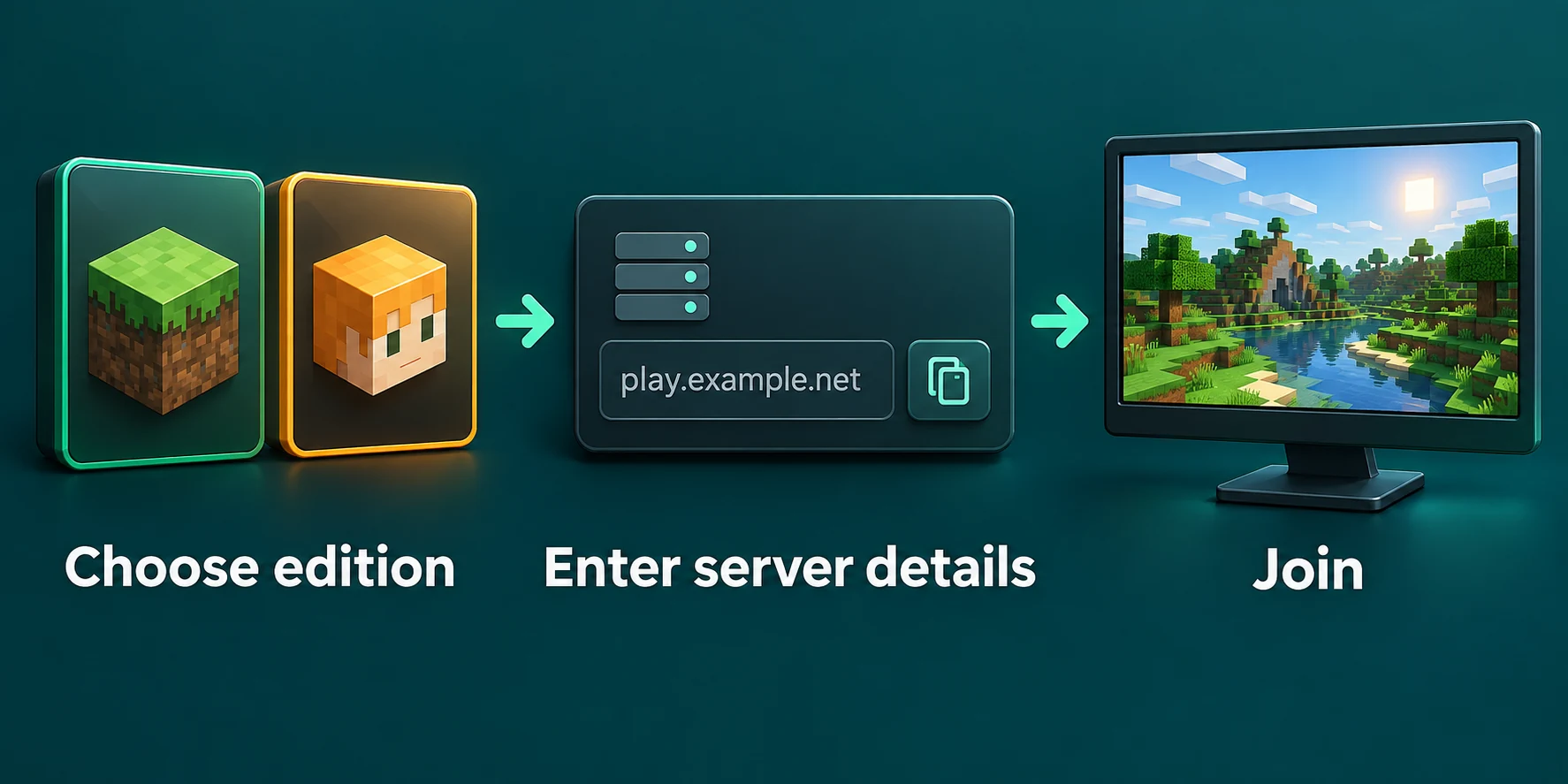
How to join a Minecraft server on Java Edition
Open Multiplayer
Choose Multiplayer on the title screen. The first time, the game warns that servers run by other people are not checked by Mojang; choose Proceed.
Choose Add Server
Type any name you like under Server Name and the address under Server Address, exactly as you got it. Add a port after a colon only if the owner gave you one. Press Done.
Wait for the server to answer
The server now appears in the list with its description, the player count and a signal icon. A red cross or a version in red means it cannot be reached or runs another version.
Join Server
Select it and choose Join Server, or double click it. The entry stays saved for next time.
Direct Connection does the same without saving the server, which suits a one time visit. The option Server Resource Packs on the Add Server screen decides whether the game asks, accepts or refuses when a server offers its own resource pack.
Playing the version the server runs
The Java launcher plays the newest release unless you tell it otherwise. For an older server, open Installations in the launcher, choose New installation, pick the version the server runs and play that one. Some servers accept several versions at once; how that works is in players on other game versions. A server with mods also needs the same modpack on your side, which joining a modded server walks through.
How to join a Minecraft server on Bedrock: Windows, phone and tablet
Go to Play, then Servers
Tap Play on the main menu. Of the tabs along the top, Worlds, Friends and Servers, pick the last one.
Scroll down to Add Server
The featured servers fill the top of the tab. The Add Server button sits below them; choose it.
Fill in the three fields
Any name, the address in Server Address and the port in Port. The game fills in 19132 by itself; change it only when the server gives you another number.
Save, then tap the new row
After Save the server gets a row of its own in the list, and tapping that row connects you. You never have to type the address again.
Bedrock updates itself through its store, so you always play the newest version. A server for Bedrock players has to keep up with that; when it falls behind, Bedrock players are refused until the server is updated.
How to join a Minecraft server on Xbox, PlayStation and Switch
Minecraft on Xbox, PlayStation and Switch is the Bedrock Edition, so the server has to take Bedrock players. The Servers tab on a console shows only the featured servers and has no Add Server button. That is a choice of the console versions, not a setting you can switch on.
- Featured servers and Realms work straight away from the Servers tab and the Realms list.
- Any other server takes a detour, such as a server list reached through the console's DNS settings or a helper app on a phone that makes the server look like a local game. Both are third party tools; they are described in Xbox, PlayStation and Switch in the crossplay guide.
- Joining a friend works through the Friends tab when your friend opened their own world to other players.
On a child account, check the settings first
A console account that belongs to a child needs permission to join multiplayer games. On Xbox that sits in the family settings of the parent's account. Without it, the game says multiplayer is blocked by how the account is set up, whatever server you try.
When the server turns you away
| What you see | What it means |
|---|---|
Unknown host | The address is spelled wrong. Copy it again from the owner. |
Incompatible client! Please use 26.2 | Your game runs another version than the server. Play the version it names. |
You are not white-listed on this server! | The server has a whitelist and your name is not on it yet. Ask the owner to add you. |
Connection timed out | Nothing answered: the server is off, or the address or port is wrong. |
The version in the message is the one the server wants, so it changes with the server.
Every other message and its fix is in can't connect to a Minecraft server.
Getting friends into your Lodehost server
Copy the address from the panel
It sits under the server name at the top of the panel, with a copy button. Java players type only that name, with no port.
Add Bedrock players on a Crossplay plan
They type the same address, and the Bedrock port shown next to it in the Port field. Java and Bedrock crossplay covers the rest.
Put their names on the whitelist
If the whitelist is on, add each player on the Players tab before they try. The whitelist and op guide explains the levels.
Written and checked by the Lodehost team, last reviewed on 25 September 2026.